Shenzhen Topwisdom Technology Co., Ltd
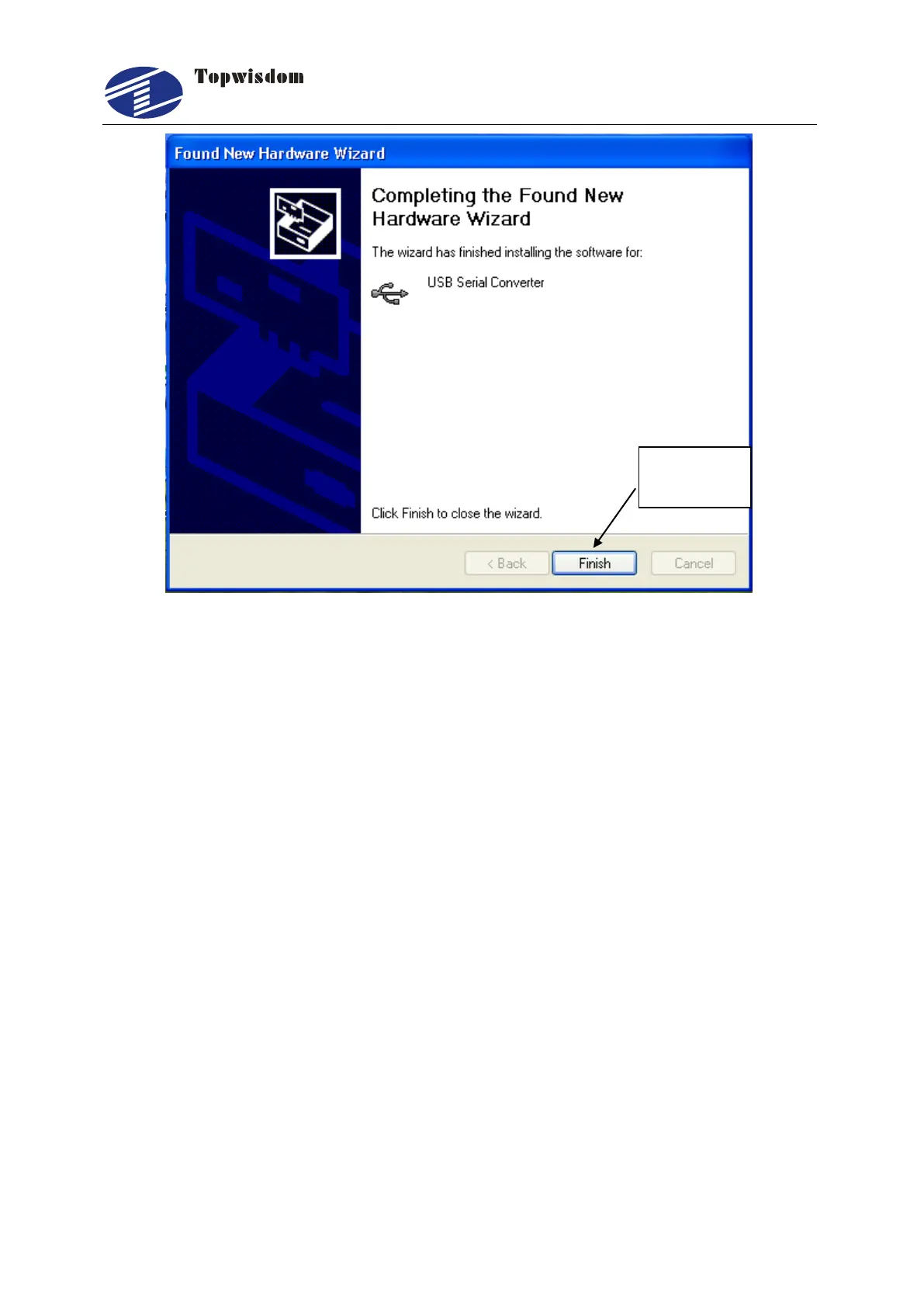
Fig. 3-20
USB driver must be installed twice. Repeat the installation steps above once again.
3.6 USB Port Setting
After the engraving card power on, connect the PC with USB cable, the computer will
assign a COM port to communicate. But when the assigned COM port is more than
COM8, the communication will have problem, so we need to change the COM port
number, the range is among COM3~COM9.
3.6.1 View the assigned COM Port by Computer
Enter the control panel.



 To Next Page