Shenzhen Topwisdom Technology Co., Ltd
Water Protect: Enable or disable detecting the status of laser water cooling valve.
―Open‖ means detect, ―Close‖ means NOT detect.
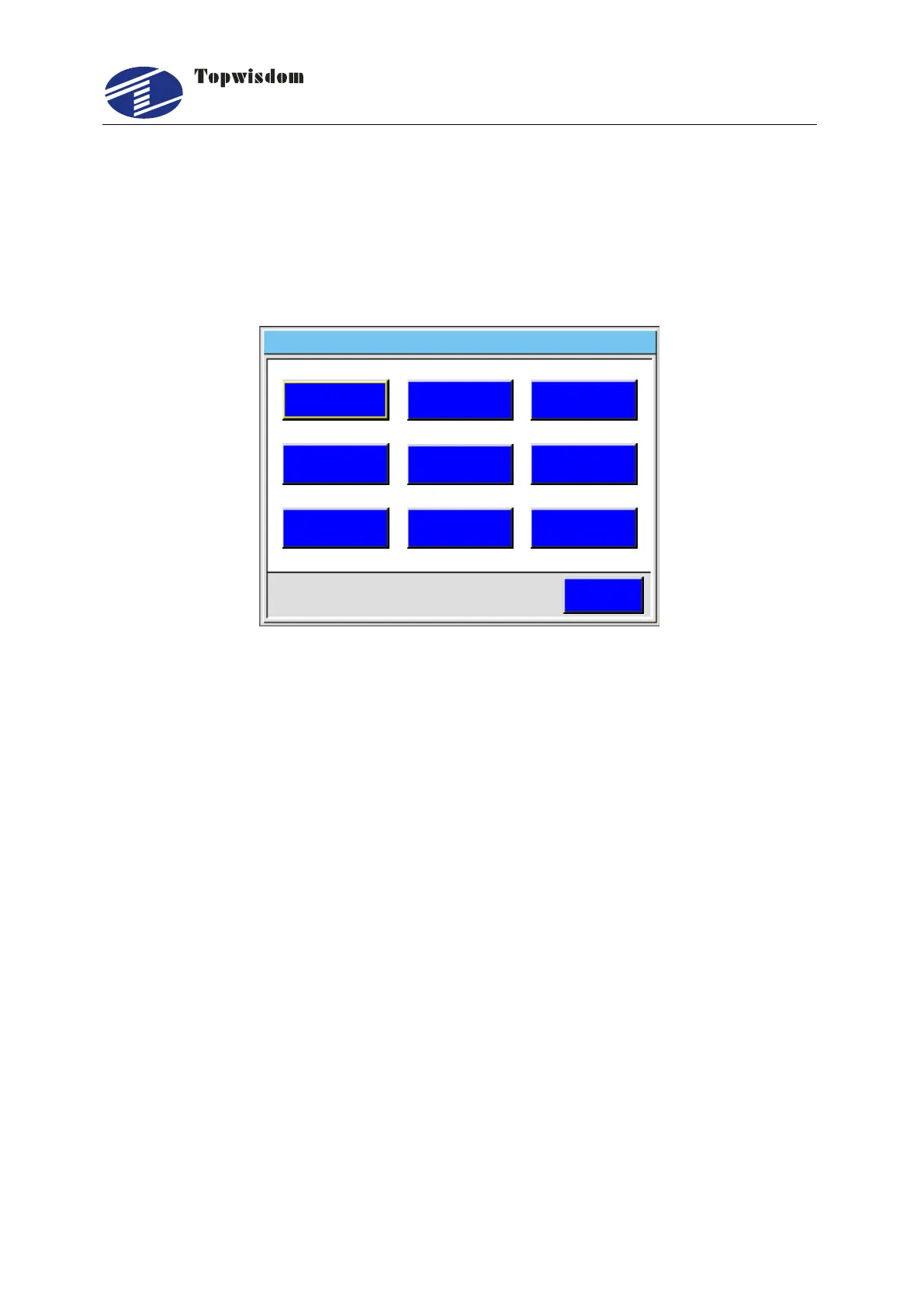
5.5 System Information
Press ―Menu‖ button into Main Menu, then select Sys. Info, press ―Enter‖ key to enter
system set interface.
ESC
Sys Upate. Language Sys Version.
IP Stat Info. . Time Set
Password Pas Prev.
Equip No .
System Set Network Disconnect 2 0 1 4 0 3 1 0 1 1 0 0- - :
Fig. 5-27
Press ―Up/Down/Left/Right‖ key to select item. Press ―Enter‖ key to select.
Sys. Update: We support an update file for user to update their system. Put the
update file in the root directory of U Disk, and insert the U Disk to Card. Select the
―Sys. Update‖ item then press ―Enter‖ key to upgrade your system. If updated
successfully, the system would reset. Otherwise an error would prompt up.
Attention: MAKE SURE NOT DO ANY OPERATION DURING UPDATING AND
THE CONTROL CARD POWER IS STABLE. IF A FATAL ERROR HAPPENED,
PLEASE CONTACT THE FACTORY.
Language: Chinese, English, Italian, Korean is available. Press ―Choose‖ to edit.
Sys. Version: The version of control system.
IP: The IP address of the control card. Press ―Num‖ to edit. Press ―Enter‖ to save.
The IP of control card and the IP of connected PC must be in the same net section.
For example, 192.168.0.xxx(x is number in 0-255). And the IP of control card must
not be different from the IP of connected PC.
Stat. Info.: Statistical Information includes:
Uptime: The power on time of the machine.
Laser On Time: The time of laser is on.
Work Time: The total work time.
Process Times: The total process times.



 To Next Page