Shenzhen Topwisdom Technology Co., Ltd
Main Menu Network Disconnect 2 0 1 4 0 3 1 0 1 1 0 0- - :
OK
U Disk File
Memory File Sys Info. .
File Set
Integrate System Test
Fig. 5-12
Press the ―Up/Down/Left/Right‖ key to choose the needed setting, ―Enter‖ to operate,
and ―ESC‖ to quit.
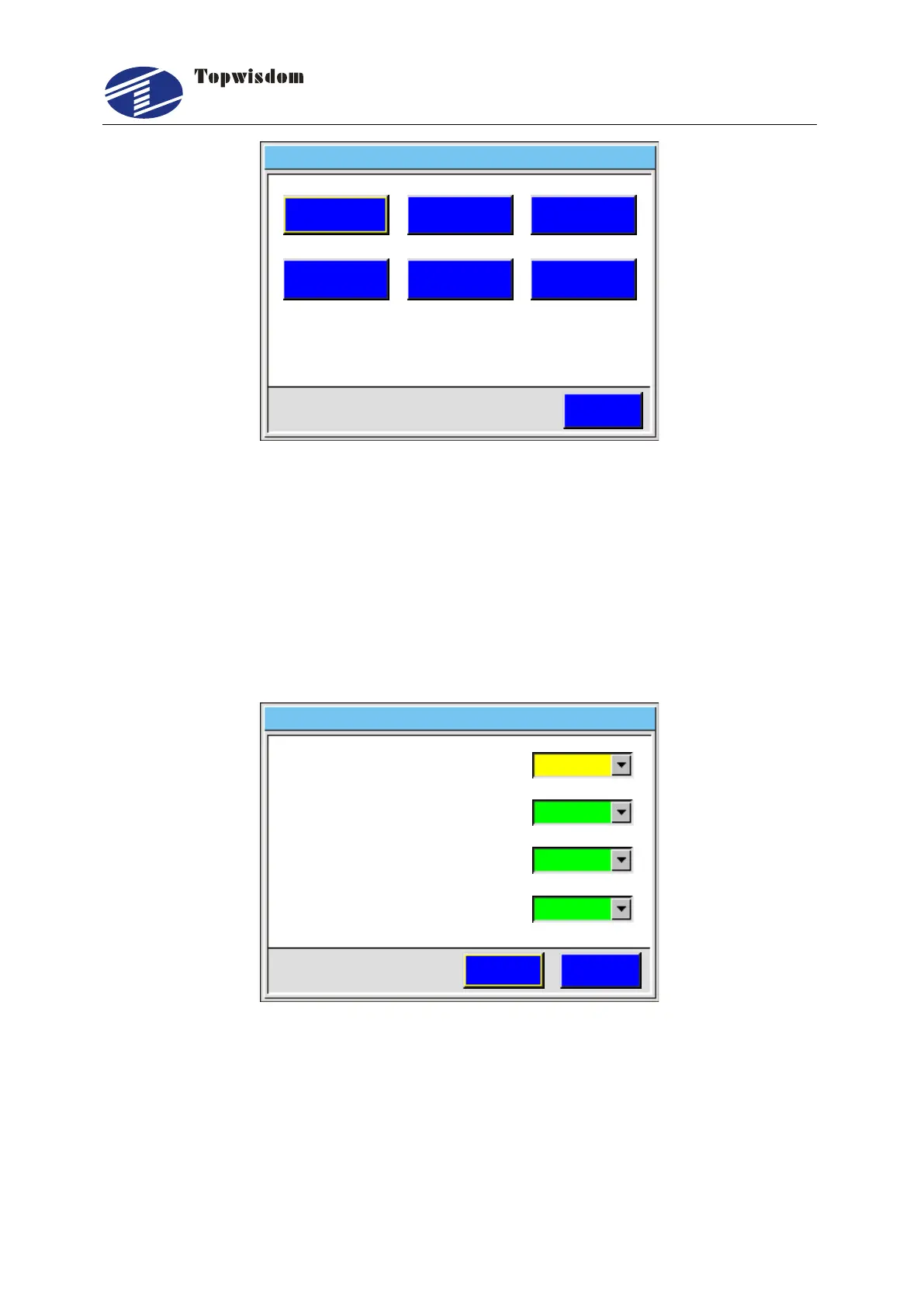
5.3 File Setting
After starting, press ―menu‖ into the main menu, choose the ―File Set‖, then press
―Enter‖, show as:
返回
File Set
2 S a v e a s C u r S e l.
1 S a v e T y p e.
ESCSave
3 S a v e a n d E x e c u t e.
4 F i l e W o r k M o d e.
General
Yes
General
Yes
Fig. 5-13
Press ―Up/Down‖ to choose the required operation, click ―Select‖ key to change setting,
press ―Enter‖ to save the setting, click ―ESC‖ to quit.
Save Type: General or Temp Save. Temp Save means the received file is
temporary file. It will be replaced by the new received file. General means the
received files will be saved one by one, not be replaced.



 To Next Page