Shenzhen Topwisdom Technology Co., Ltd
5.2 The Main Interface Introduction
5.2.1 Power Interface
Fig.5-2
The system is initializing, please wait…
5.2.2 Standby Interface
After initialization, it’ll into the standby interface, show as:
Speed:
Valid:
KeySpeed: Middle
PX:
200
1V 2X:
Idle... 00 00 00::
30
PY:
0 000.
0 000.
12345678 OUT.
N etwork Disconnect
2014 03 10 10 58- - :
Complete:
Power1:
1
5
30
Power2:
5
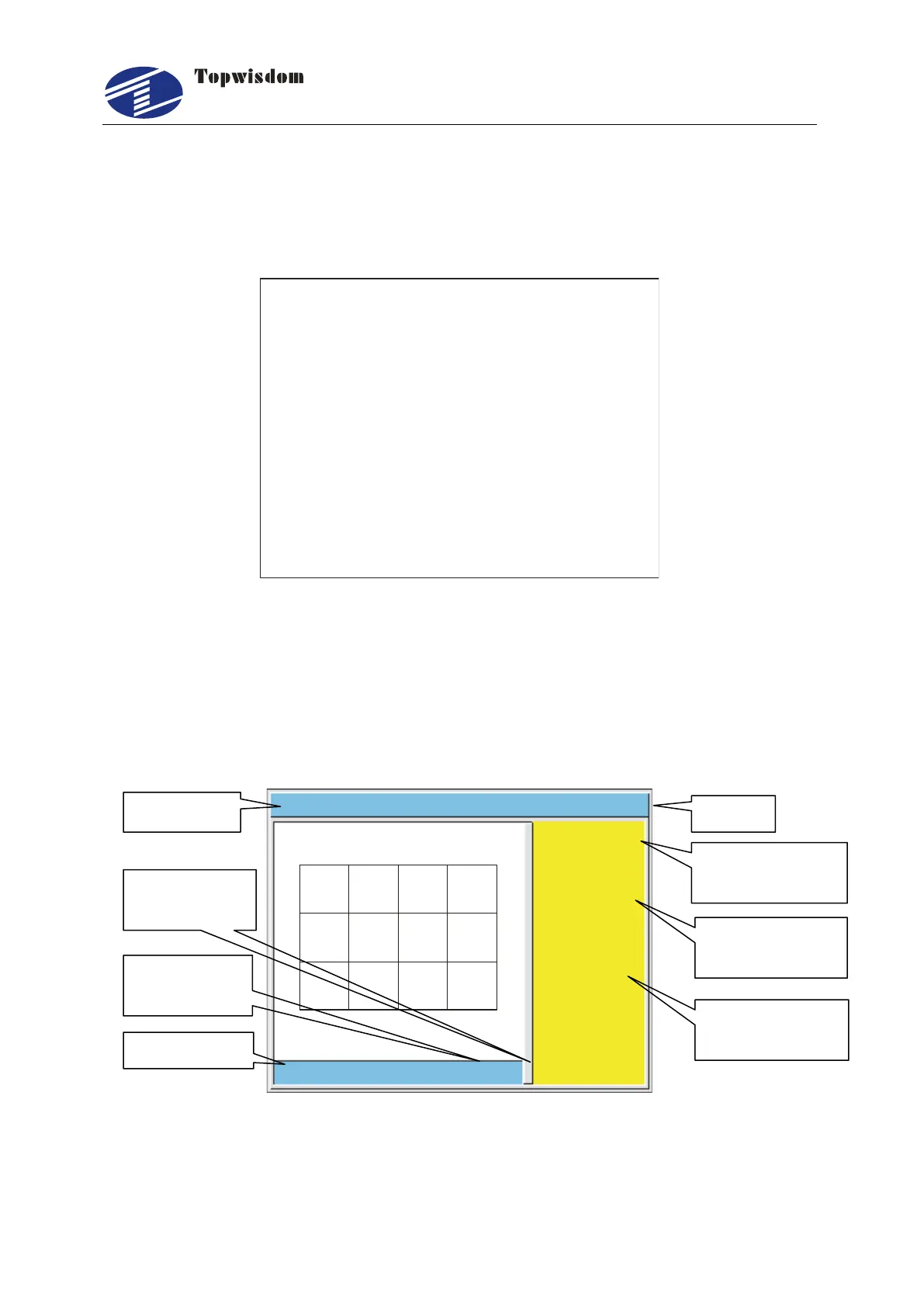
Fig. 5-3
The top of the interface shows the file name, network status, the date and time. The
white area shows the preview of the selected file. And the yellow area shows the
File working
progress bar
The completed
number of file



 To Next Page