Shenzhen Topwisdom Technology Co., Ltd
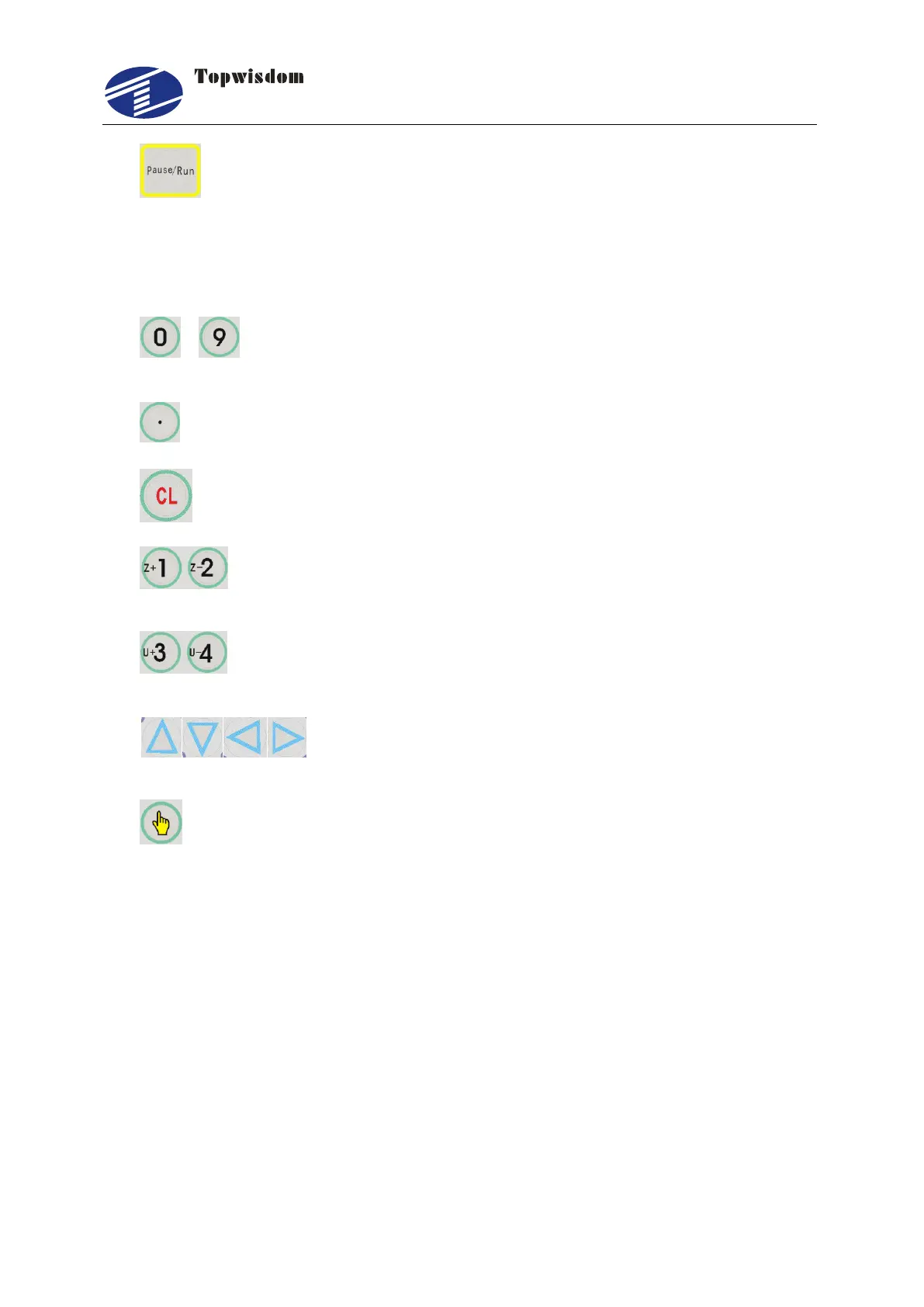
14. ―Pause/Run‖ Key: press the key to pause at the working state, again press,
it’ll go to running. On the Pause state, after moving the X or Y axis, touch a
time, it’ll be automatically return the origin to continue working. On the Stop
state, press the key, the laser head will automatically return the regression
point.
15. — Number Keys, change the data the selected area, also can directly
press the key to choose the current menu.
16. Decimal Key.
17. Delete key.
18. Z axis moving key, in the Processing and Event into interface to move
the Z axis.
19. U axis moving key, in the Processing and Event into interface to move
the U axis
20. Direction key, used to move the X, Y axis, in the other
interfaces, used to move the curse to choose menu.
21. Choose key, change the axis speed in the standby interface, in the other
interface, used to change the parameters besides the numbers.



 To Next Page