Shenzhen Topwisdom Technology Co., Ltd
3.6.2 Change the Assigned COM port by Computer
On Fig. 3-24 USB Serial Port(COM4) is the assigned COM port, the way and the steps
that change the assigned COM port are as follow:
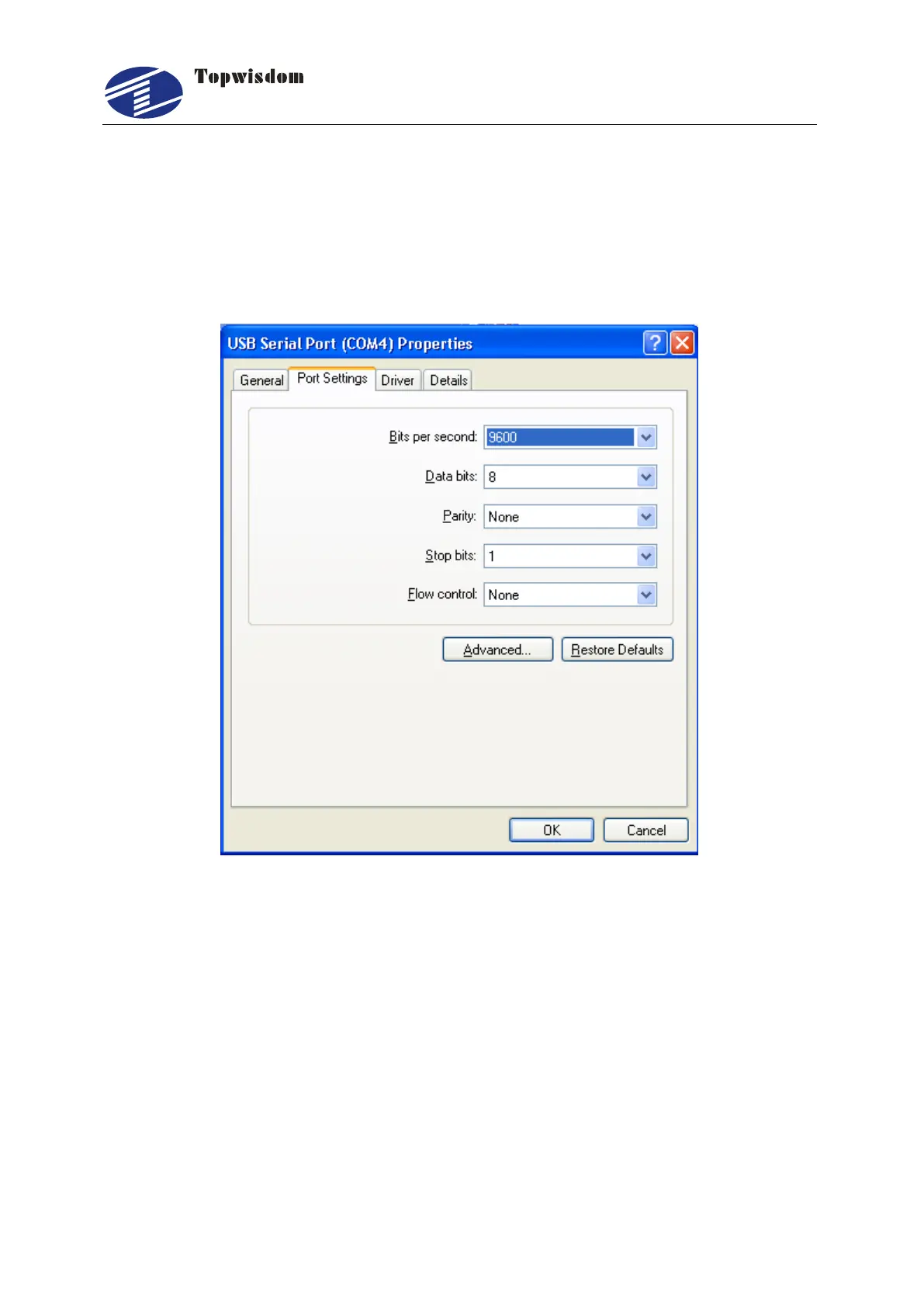
Double click USB Serial Port(COM4), show a window, single click Port settings, show
as Fig. 3-25
Fig. 3-25
Click "Advanced", show a Advanced Settings for COM4 window, choose the port
numbers on the COM Port Number, show as Fig. 3-26.



 To Next Page