Shenzhen Topwisdom Technology Co., Ltd
Save as CurSel: Once a file is finish downloading, it will be select as current file.
Save and Execute: Once a file is finish downloading it will be executed.
File Work Mode: General or Cyc. Cyc means All the Files will be executed one by
one in cycle.
5.4 The Integrate Settings
After finishing the start, press ―Menu‖ key into the main menu interface, choose
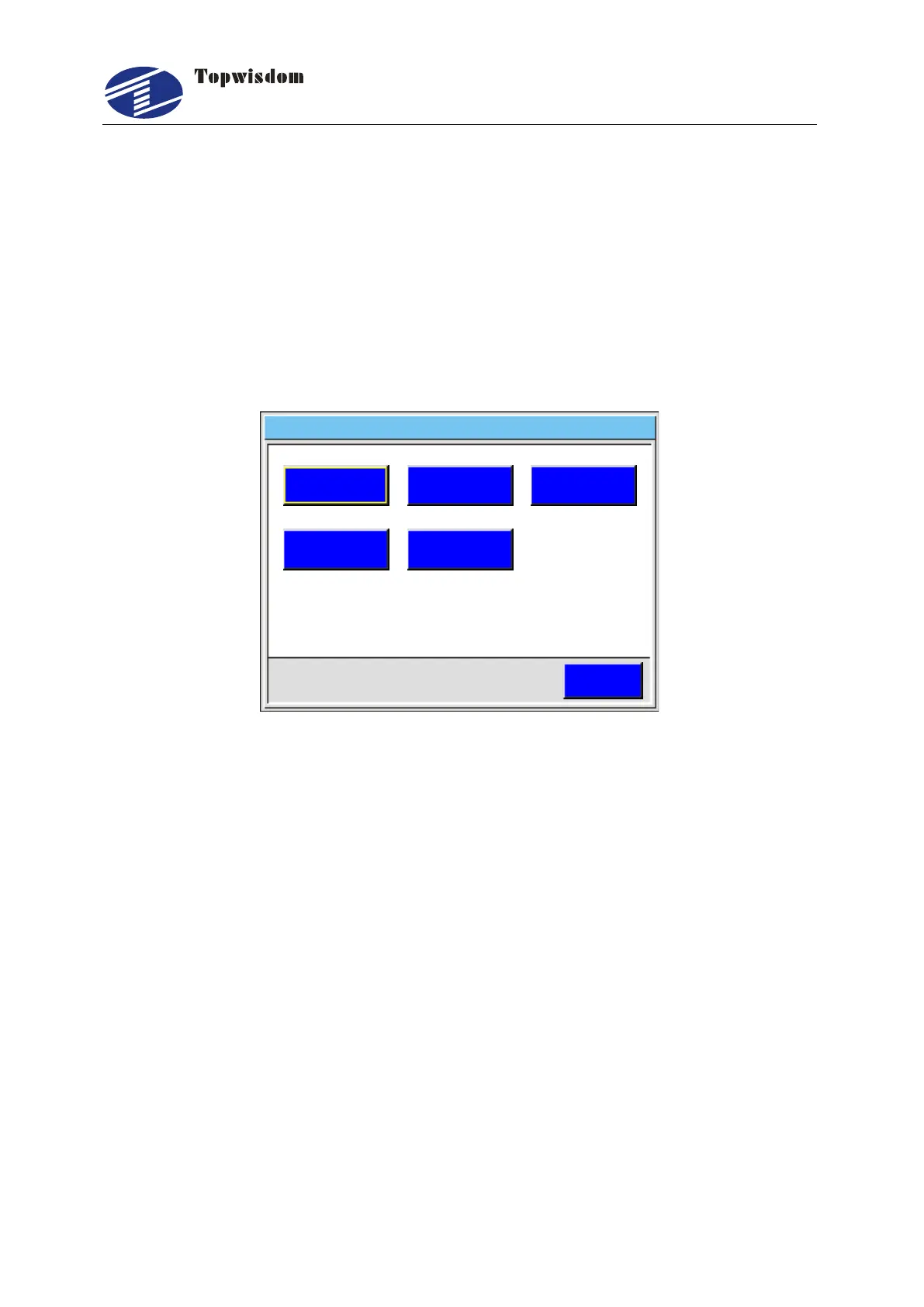
―Integrate‖, then press the ―Enter‖ to enter, show as:
Integrate Network Disconnect 2014 03 10 11 00- - :
ESC
Laser Set
Equipment
Axis Set
Back Set User Set
Fig. 5-14
Press the ―Up/Down, Right, Left‖ to select the needed operation, click ―Enter‖ to enter,
click ―ESC‖ to quit.
5.4.1 Laser Set
In the Integrate Setting interface, choose ―Laser Set‖ to enter, show as:


 To Next Page