Shenzhen Topwisdom Technology Co., Ltd
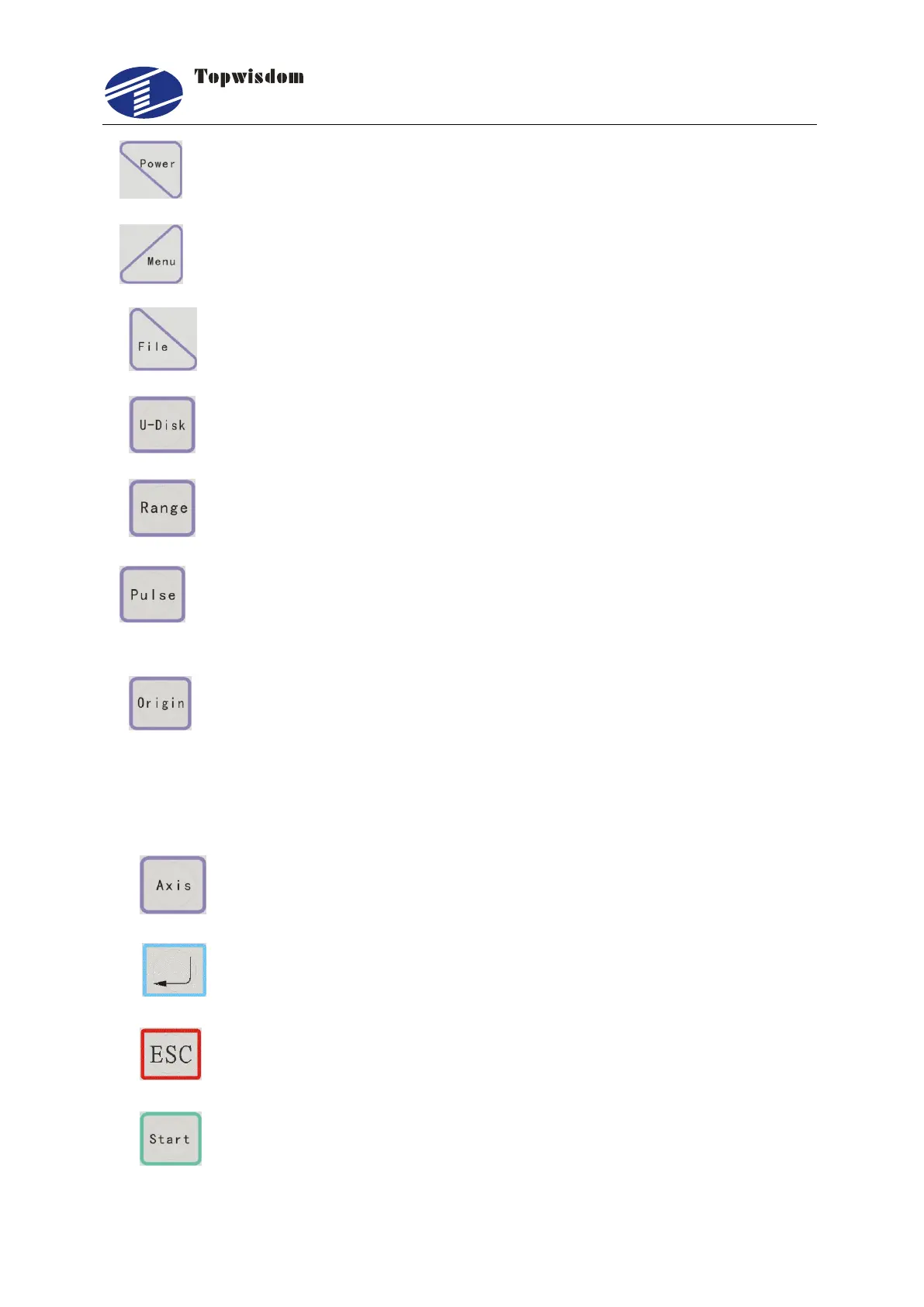
3. ―Power Light Intensity‖ Key: Set the laser powers.
4. ―Menu‖ Key: Press the key into the main menu interface.
5. ―File‖ Key: Into the memory file selection interface.
6. ―U Disk‖ Key: Into the U disk file selection interface.
7. ―Range (frame)‖Key: The range previewed interface.
8. ―Pulse‖ Key: Use to test, touch a time, light a time, used to test the optical
path.
9. ―Origin‖ Key: Can set the start point from which the machine runs. The
―Origin‖ can be freely chosen on the Machine setting parameters. If choose the
―Mechanical Origin‖, after the machine reset, it’ll return the origin, the coordinate
is ―0, 0‖. If choose the ―Regression Point‖, after resetting, it’ll return the current
coordinate that machine operated last time.
10. ―Single Axis‖ key: into the single axis movement interface.
11、 ―Enter‖ Key.
12. ―ESC‖ Key.
13. ―Start‖ Key.



 To Next Page