E6581528
F-6
6
6.3 Terminal function selection
6.3.1 Keeping an input terminal function always active (ON)
, ,
: Always ON function selection 1
~
3
• Function
This parameter specifies an input terminal function that is always kept active (ON). (Only one function
selectable)
[Parameter setting]
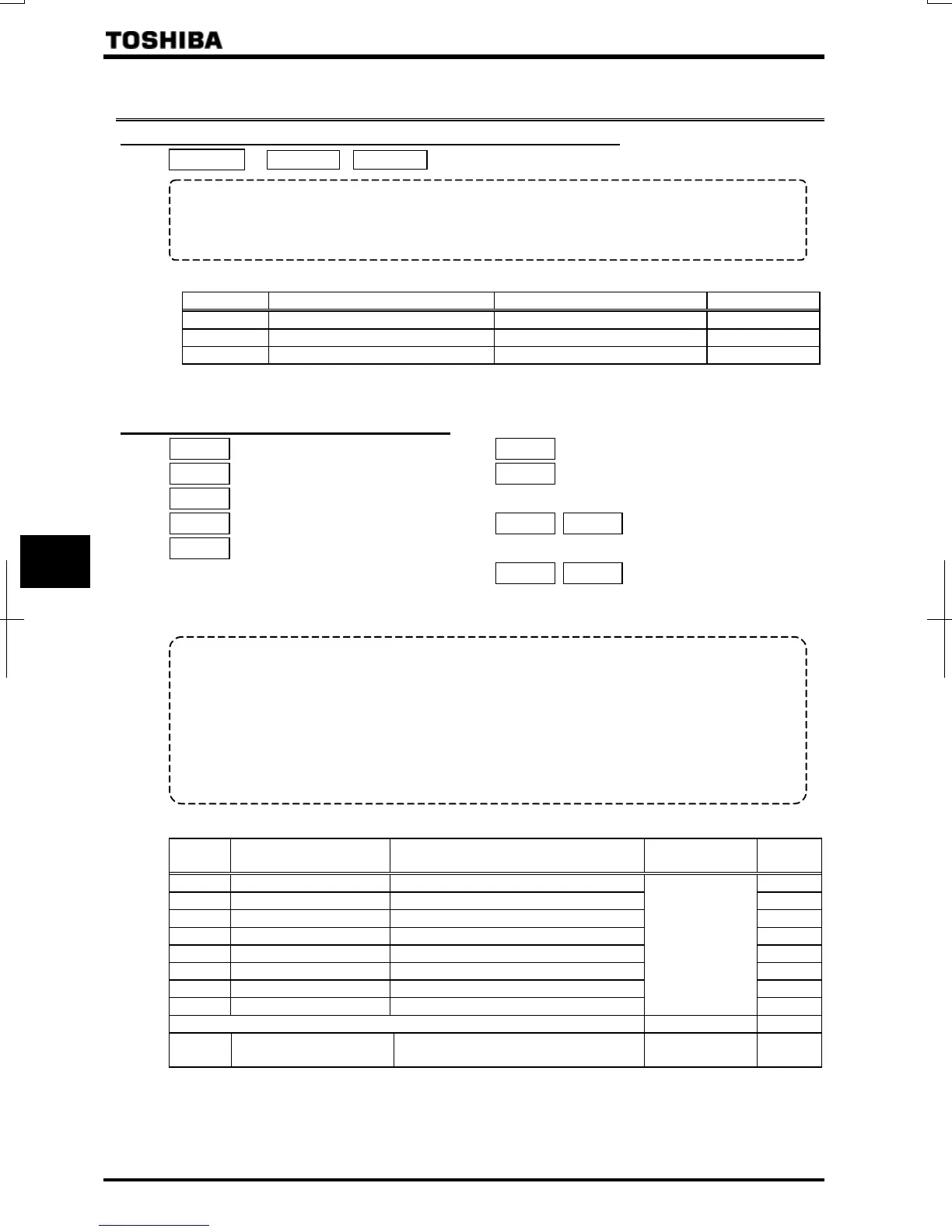
Title Function Adjustment range Default setting
Always ON function selection 1 ~
Always ON function selection 2 ~
Always ON function selection 3 ~
* The selected function is always kept active regardless of the type of logic (positive or negative) in the table of
function settings in 7.2.1.
6.3.2 Modifying input terminal functions
: Input terminal function selection 1 (F)
: Input terminal function selection 2 (R)
: Input terminal function selection 4 (RES)
: Input terminal function selection 5 (S1)
: Input terminal function selection 6 (S2)
: Input terminal function selection 7 (S3)
: Input terminal function selection 8
(RR/S4)
~
:
Input terminal function selection 9~16
~
:
Input terminal function selection 17~20
⇒ For details, refer to Section 7.2.1.
• Function
Use the above parameters to send signals from an external programmable controller to various control input
terminals to operate and/or set the inverter.
The desired contact input terminal functions can be selected from 120 types (-). This gives system
design flexibility.
Using the SW3 switch, the function of the RR/S4 terminal can be selected between analog input and contact
input. By default, the RR/S4 terminal is set as an analog input terminal (voltage input terminal). To use it as a
contact in
ut terminal
therefore
ou need to turn the SW3 switch to the S4
osition.
Setting of contact input terminal function
Terminal
symbol
Title Function Adjustment range
Default
setting
– Always ON function selection 1 (ST)
– , Always ON function selection 2, 3
F Input terminal function selection 1 (F) (F)
R Input terminal function selection 2 (R) (R)
RES Input terminal function selection 4 (RES) (RES)
S1 Input terminal function selection 5 (S1) (S1)
S2 Input terminal function selection 6 (S2) (S2)
S3 Input terminal function selection 7 (S3)
~
(⇒ Refer to
Section 11.)
(S3)
The terminal below is operative only when SW3 is in the S4 position. – –
RR/S4 Input terminal function selection 7 (S4)
~ [Note
2]
(S4)
Note 1: The function that has been selected using , and (always ON function selection 1~3
parameter) are always activated.
Note 2: When using the RR/R4 terminal as a contact input terminal (sink logic), always turn the SW3 slide switch to
the S4 position.



 To Next Page
 Loading...











