V1.2 09/01/15 UD0130 Page 25 of 63
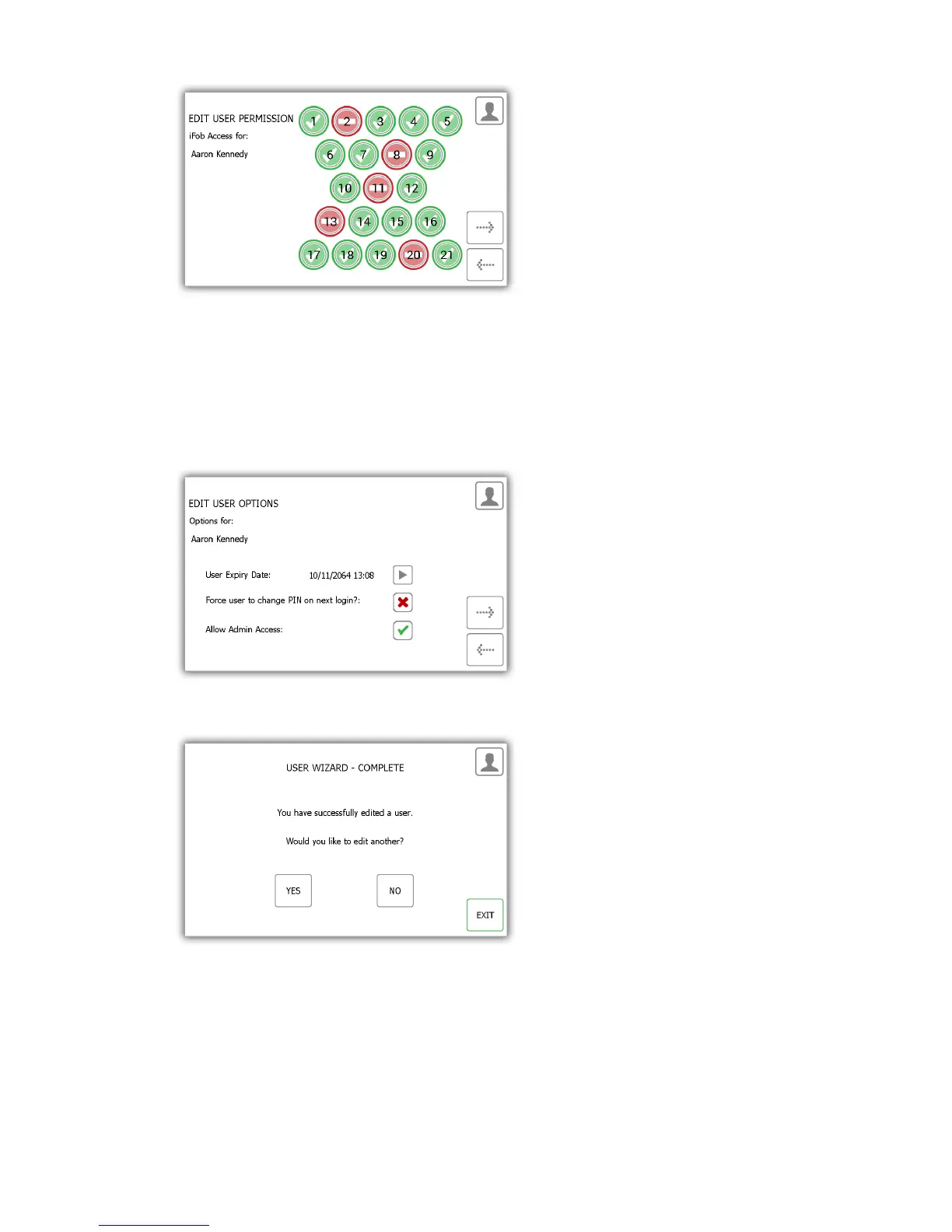
5. Next edit the user options. Here you can...
Change the expiry date of the user.
Select/deselect the force user to change PIN option.
Select/deselect Allow admin access option.
Edit the desired options and click the forward button.
6. The edit is now complete. A message will now appear saying you have successfully edited a user.
7. If you want to edit more users click yes and you will be taken to the user list. Follow steps 2-5 again.
8. When you are finished, click the exit button to return to the admin menu.



 To Next Page