V1.2 09/01/15 UD0130 Page 9 of 63
3.2 REMOVING & RETUNING KEYS
3.2.1 REMOVING KEYS
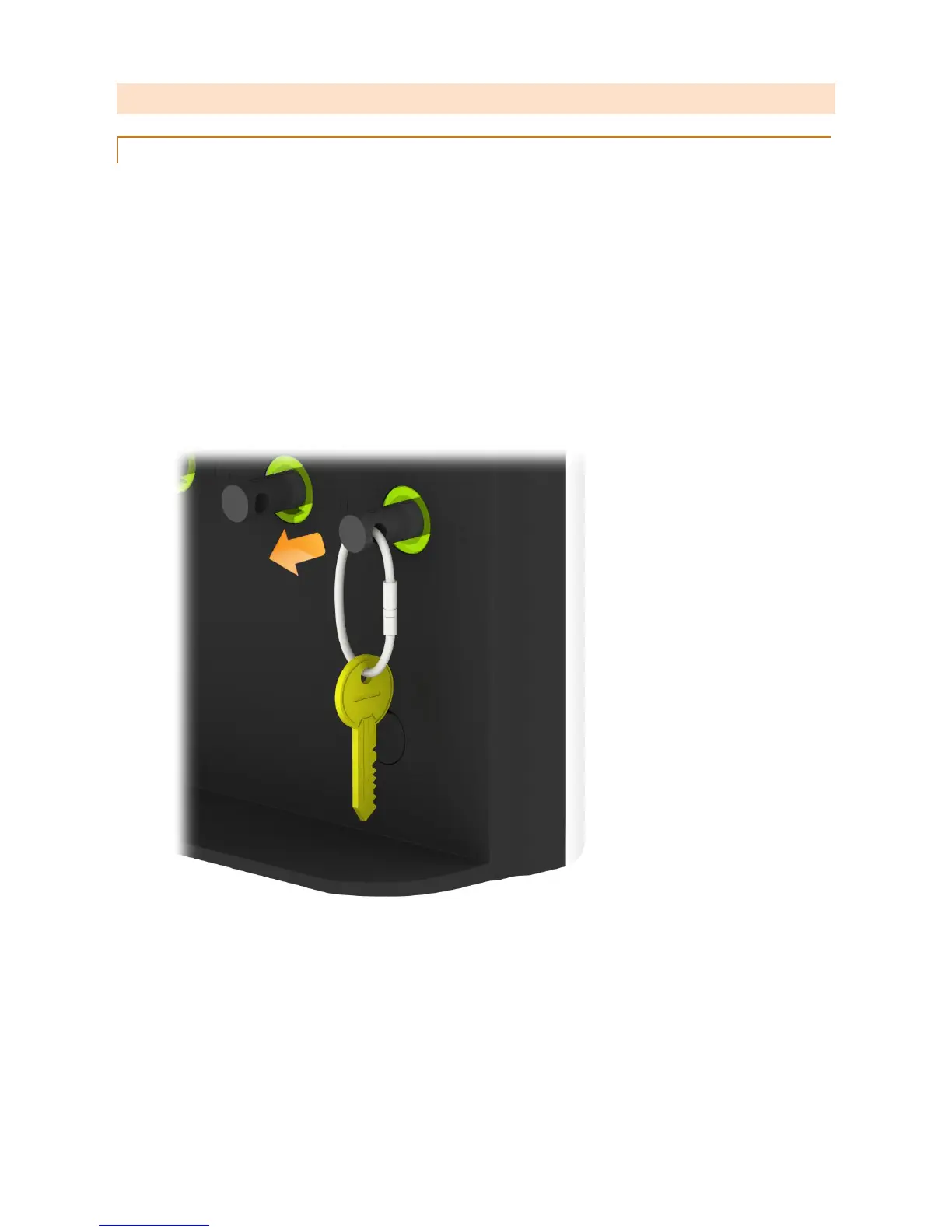
Removing a key is a one handed operation.
1. Enter your PIN at the system.
2. The door will open.
3. Authorised iFob slots will be illuminated green.
Unauthorised iFob slots will be illuminted red.
4. Press the on screen button for the iFob you wish to remove.
5. Wait for the “click” (unlocking iFob).
6. Remove iFob.



 To Next Page