V1.2 09/01/15 UD0130 Page 45 of 63
4.6.3 IMPORTING THE INFORMATION TO TRAKA21
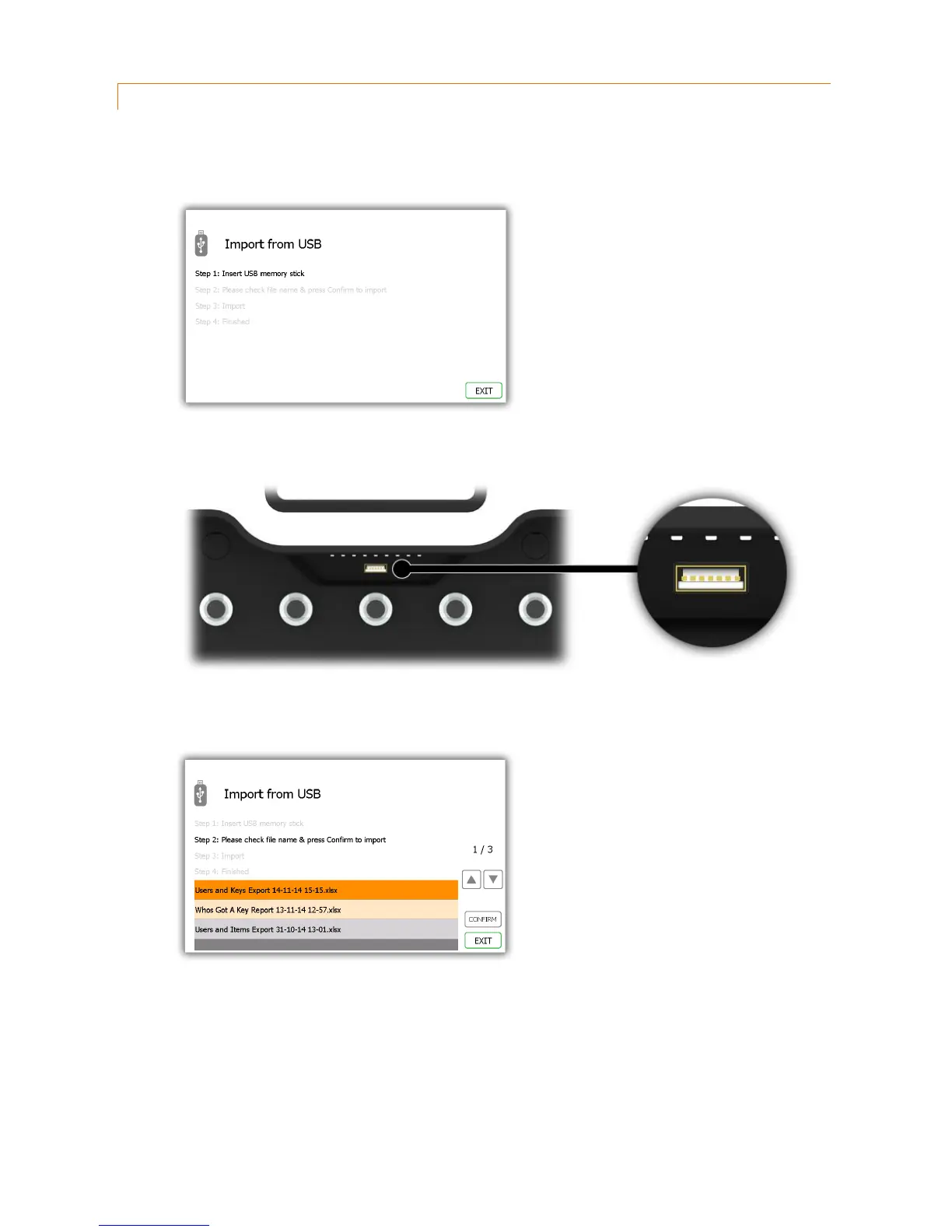
1. Navigate to the admin menu and select the import button.
2. Insert the USB stick into the system.
3. Traka21 will display a list of compatible files on the USB stick and prompt you to select one. Make your
selection and click confirm.
4. The system will ask if you would like to import the new data into the system. Click Yes.
NOTE: This will overwrite any information in the system.



 To Next Page