V1.2 09/01/15 UD0130 Page 18 of 63
4.1.2 SWAP KEY POSITIONS
The swap key positions feature is very beneficial if you wish to reorganise the keys in the system. Using the swap key
feature, you won’t need to cut or re-crimp any security seals; the system will reassign the iFobs to new positions.
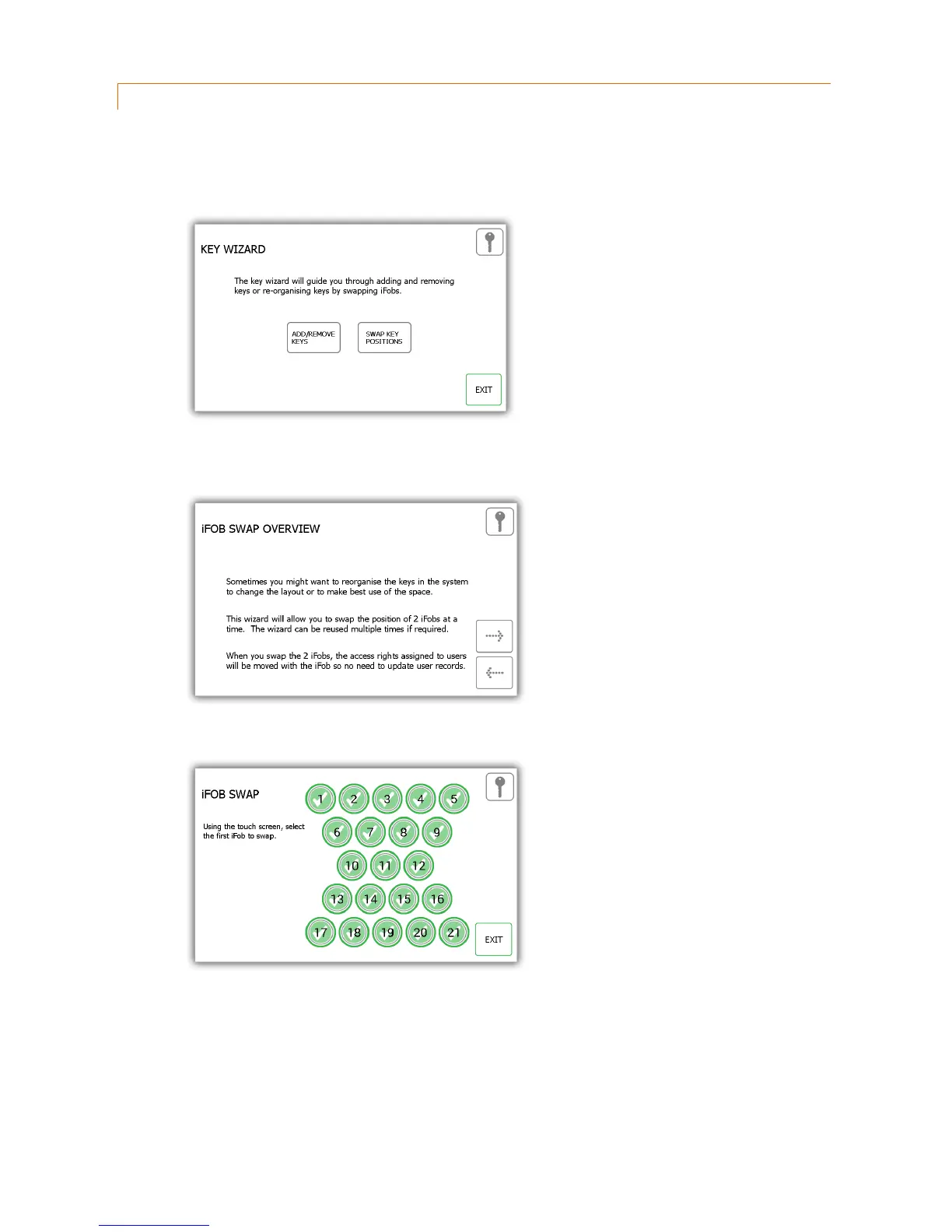
1. Select the Swap Key Positions button from the key wizard menu.
2. The swap key overview will then appear giving you a description of how the feature works. Read this and click
the forward arrow.
3. Select the first of the two positions you want to swap over.
4. The iFob will then release to you. Put it safely to one side.



 To Next Page