V1.2 09/01/15 UD0130 Page 44 of 63
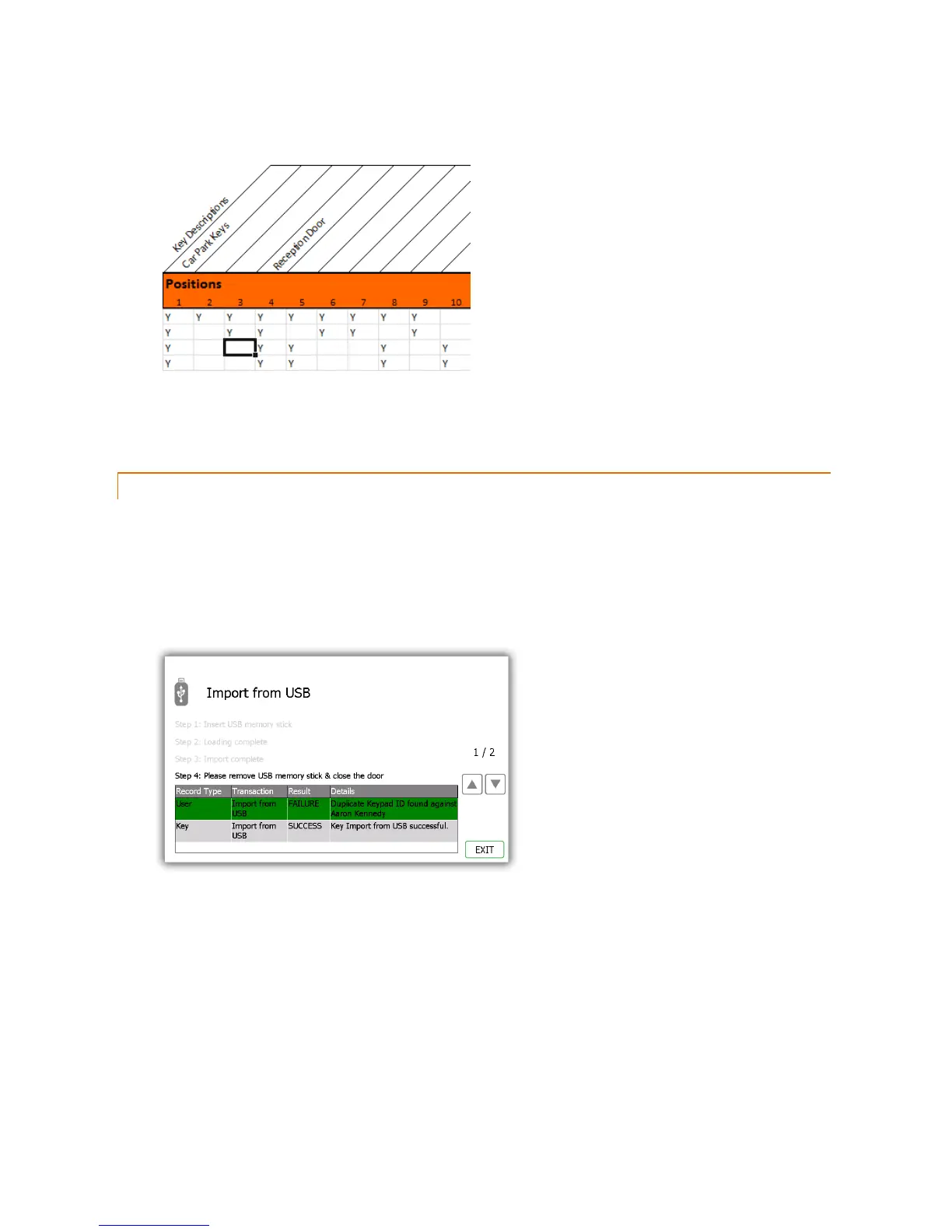
Key Permissions
To grant a user access to a key simply put a ‘Y’ in the corresponding column. You can also assign a description to
a key by double clicking above the desired position and entering a description of your choice.
4. When finished save the Spreadsheet onto a memory stick.
4.6.2 FAQ’S
Overwriting Users – When you enter a user’s details into the Spreadsheet and that user already exists in the Traka21,
the user credentials from the Spreadsheet will be taken as the most recent edits and will overwrite the systems
information.
Duplicate PIN’s – If a user being imported has the same PIN as a user that already exists in the system, the import will
fail. The user that already exists in the system will be kept and the attempted import user will be rejected.



 To Next Page