V1.2 09/01/15 UD0130 Page 8 of 63
3. USING THE SYSTEM
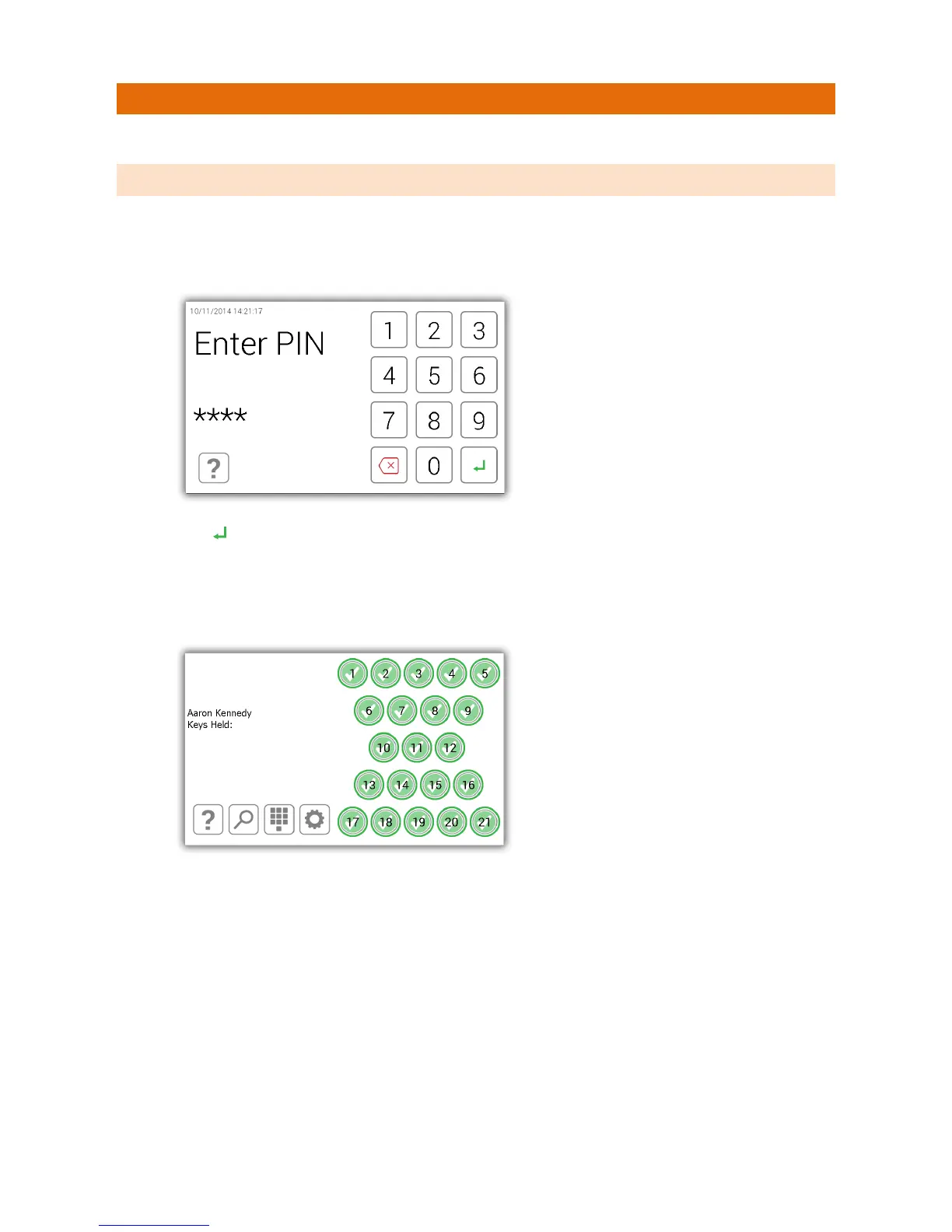
To use Traka21 a user with the correct credentials must login at the system.
3.1 LOGGING INTO THE SYSTEM
1. Touch the screen to bring the system out of power save mode.
2. Enter your PIN.
3. Press (enter) to confirm your PIN.
4. The door will then open allowing you access to the keys.
5. Verify your name on the touch screen.



 To Next Page