V1.2 09/01/15 UD0130 Page 27 of 63
4.3 PERMISSIONS
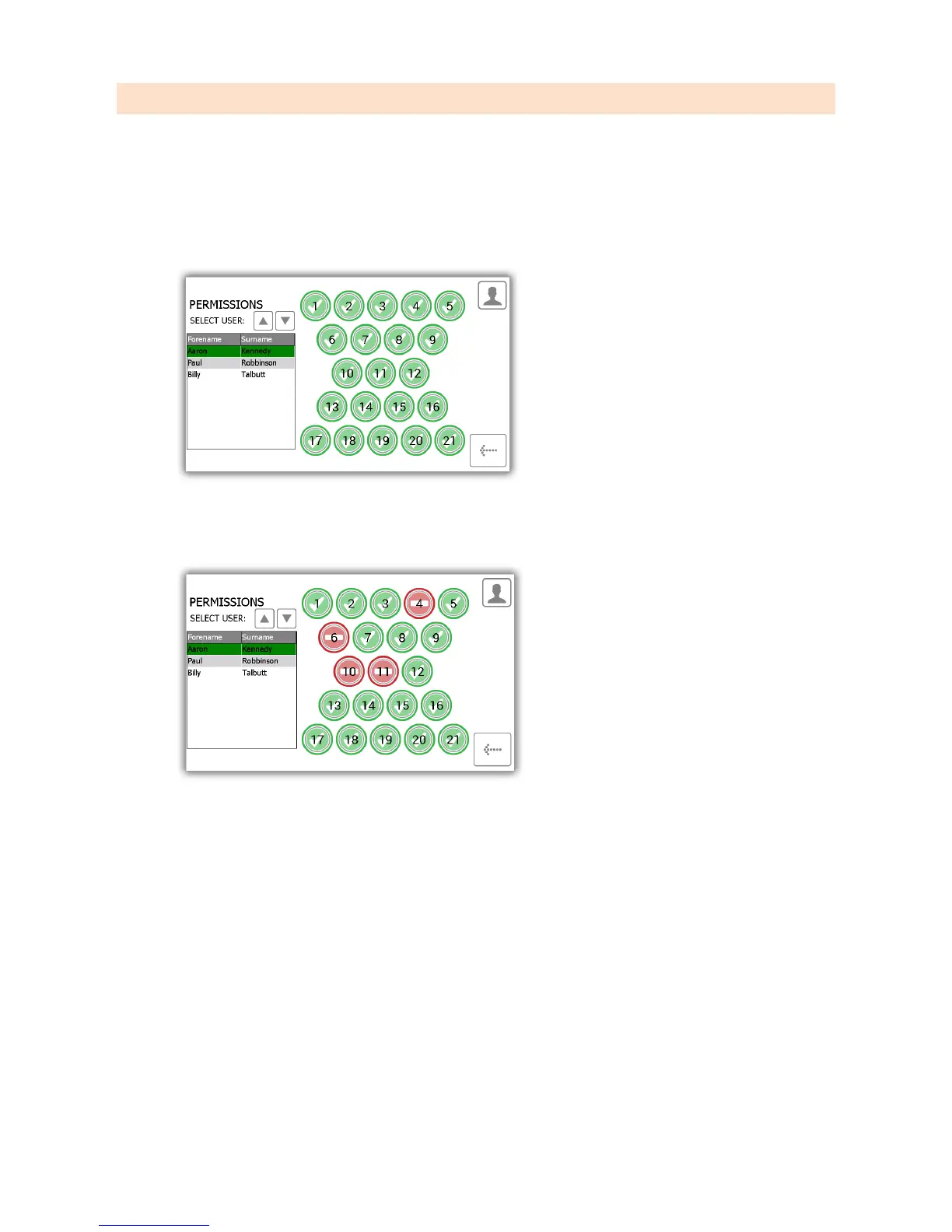
From the admin menu select the permissions button. The permissions section allows you to view all the current users
in the system and grant/revoke their access rights without having to edit their individual user details.
1. From the admin menu select the permission button.
2. From the list on the left, highlight the user whose permissions you wish to edit.
3. Simply select the positions you wish the user to have access to.
4. To edit another user simply scroll down highlight the desired user.
5. To go back to the admin menu click the back button.



 To Next Page