V1.2 09/01/15 UD0130 Page 17 of 63
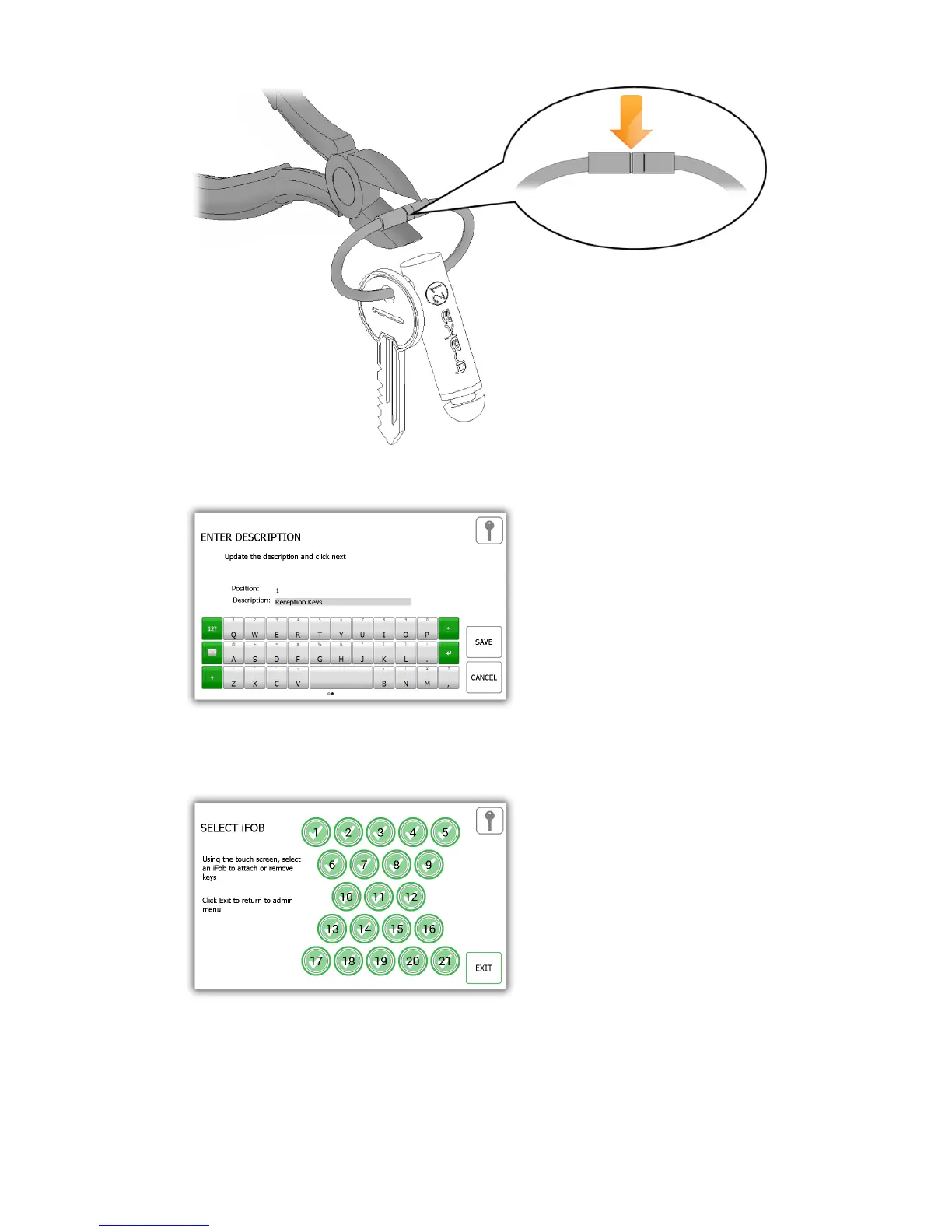
7. You will be prompted to enter a description for the key(s). Click save when you have finished.
8. When you have finished, return the iFob to the system. The orange ‘removed’ icon will now become green
again as you have returned it to the system.
9. To add more keys to an iFob, simply select another iFob from the touch screen.
10. When you are finished adding keys, click the exit button to be taken back to the admin menu or close the
door.



 To Next Page