V1.2 09/01/15 UD0130 Page 16 of 63
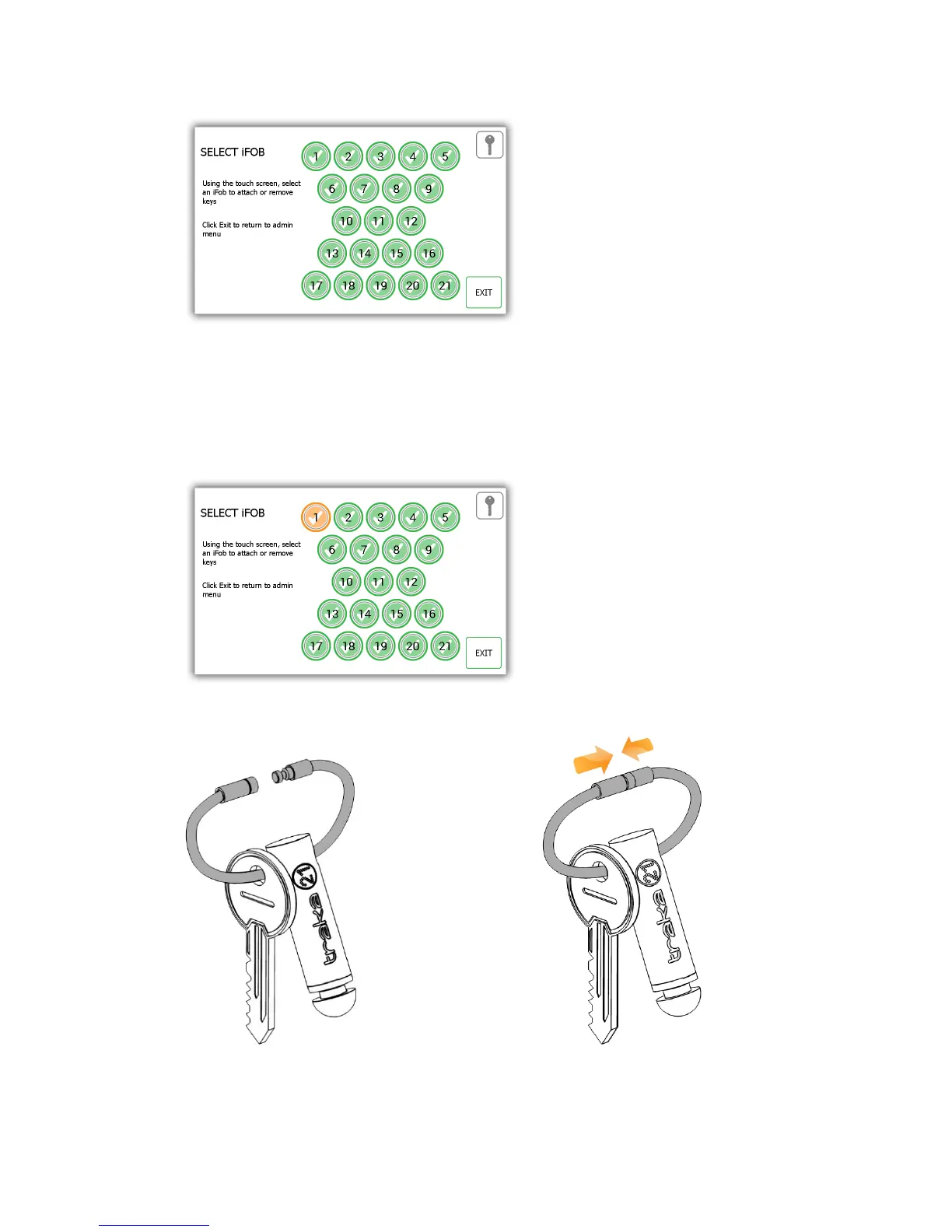
3. Select the desired iFob using the touch screen.
4. The iFob will then be released from the system.
NOTE: If at any time you wish to exit the Key Wizard, close the door or select the Exit button.
5. Remove the iFob from the system. The touch screen will display an orange ‘removed’ icon for the iFob you
have taken.
6. Now the iFob is out of the system, you can attach your key(s) using the provided Security Seal.



 To Next Page