V1.2 09/01/15 UD0130 Page 29 of 63
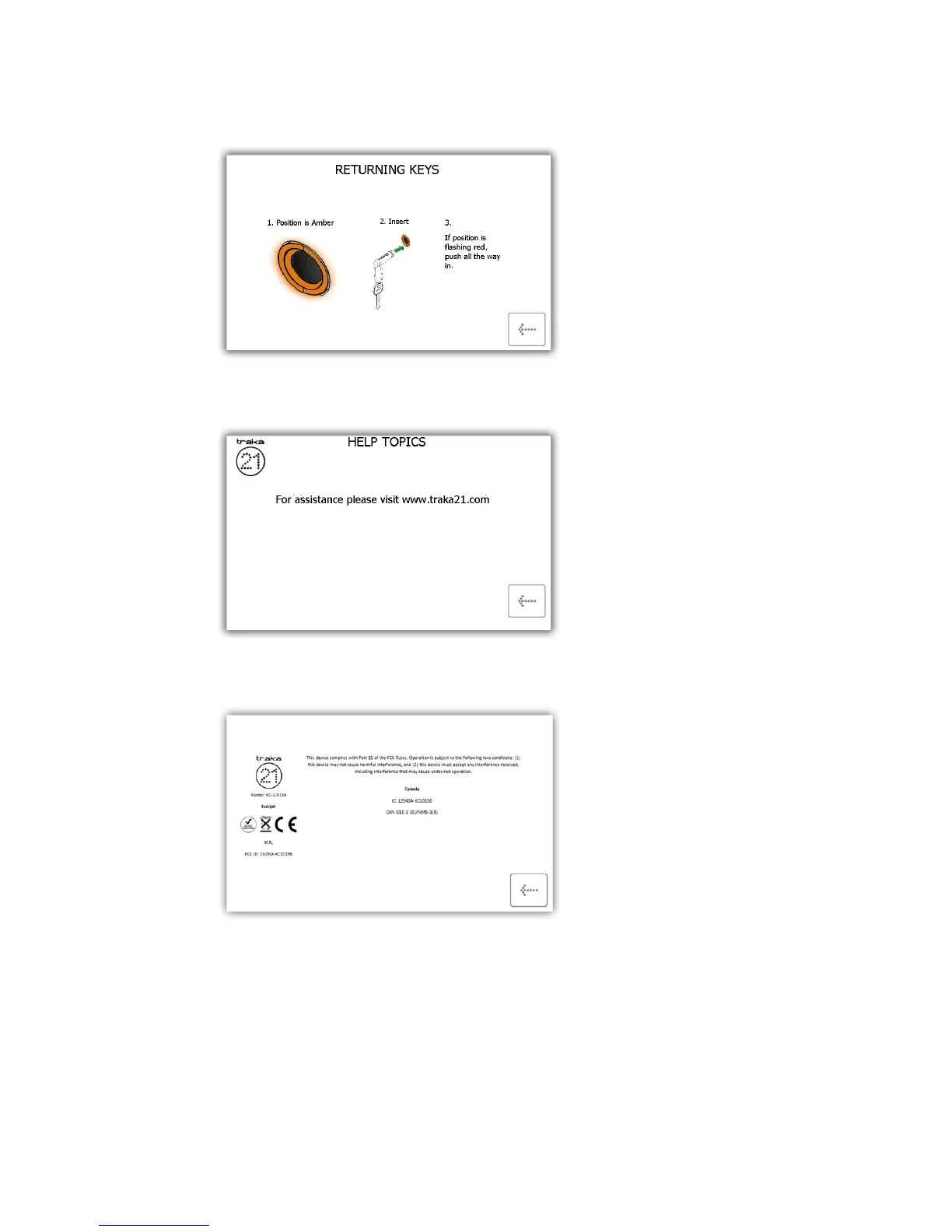
Returning Keys - Will give you a pictorial overview in three steps on how to return a key to the system.
Help Contact - Will display contact details if you need technical assistance. The details shown here can
be changed by the admin user.
Regulations – This page will give you all the information on the compliances that the Traka21 adheres
to.
3. Select the desired button to open the topic.
4. To return to the help screen, click the back button.



 To Next Page