V1.2 09/01/15 UD0130 Page 40 of 63
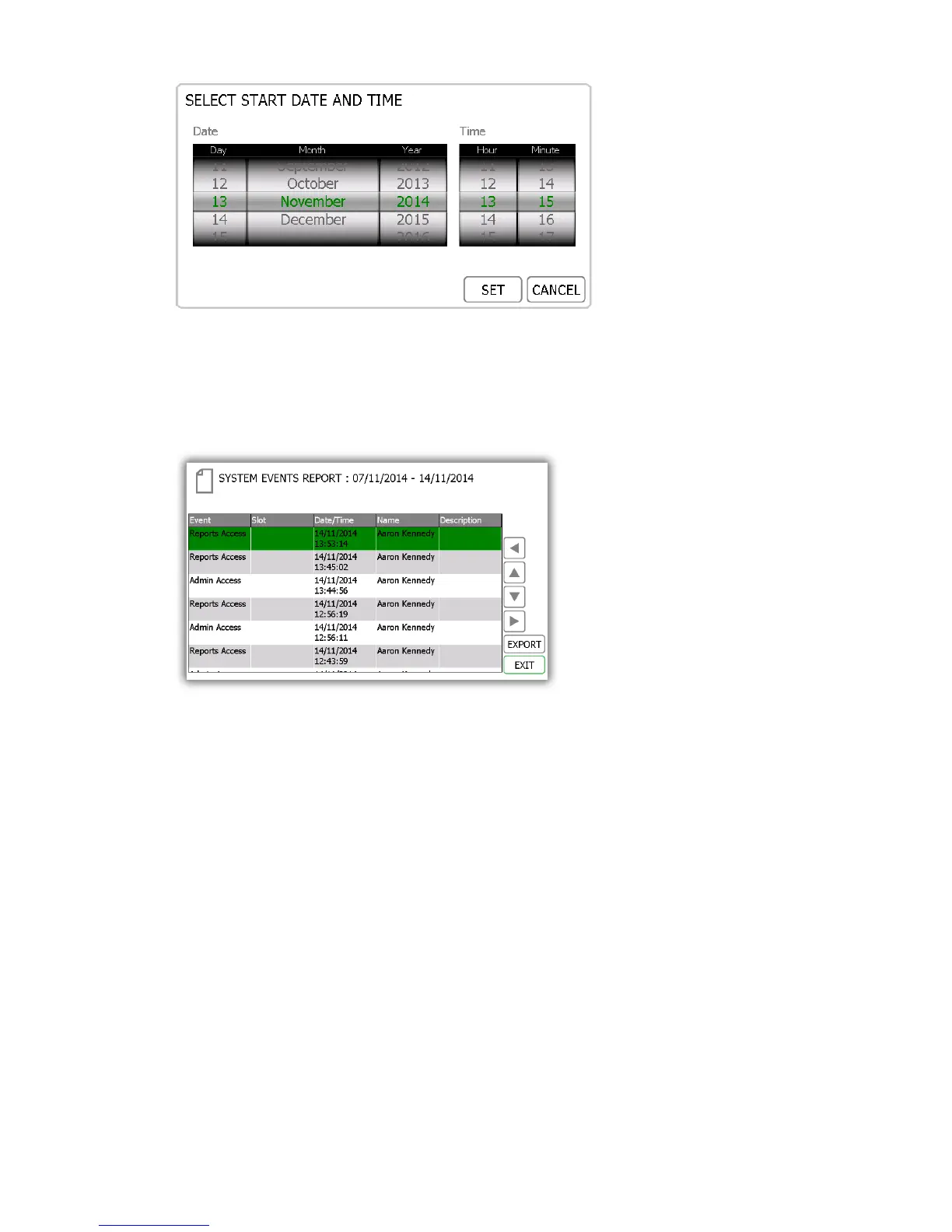
8. Once you have selected your desired date range, click the forward button.
9. The report will now generate and display all the events that have happened at the system between the
selected date range. E.g. Report Access, Admin Access, Door Open, Door Closed, USB Inserted etc.
NOTE: The key position is noted at the top of the page each time the report is run. E.g. position 1.
10. You can export this information to a USB memory stick if you wish by clicking the Export button. Please
review the Exporting Reports topic at the end of this section for more details.



 To Next Page