V1.2 09/01/15 UD0130 Page 52 of 63
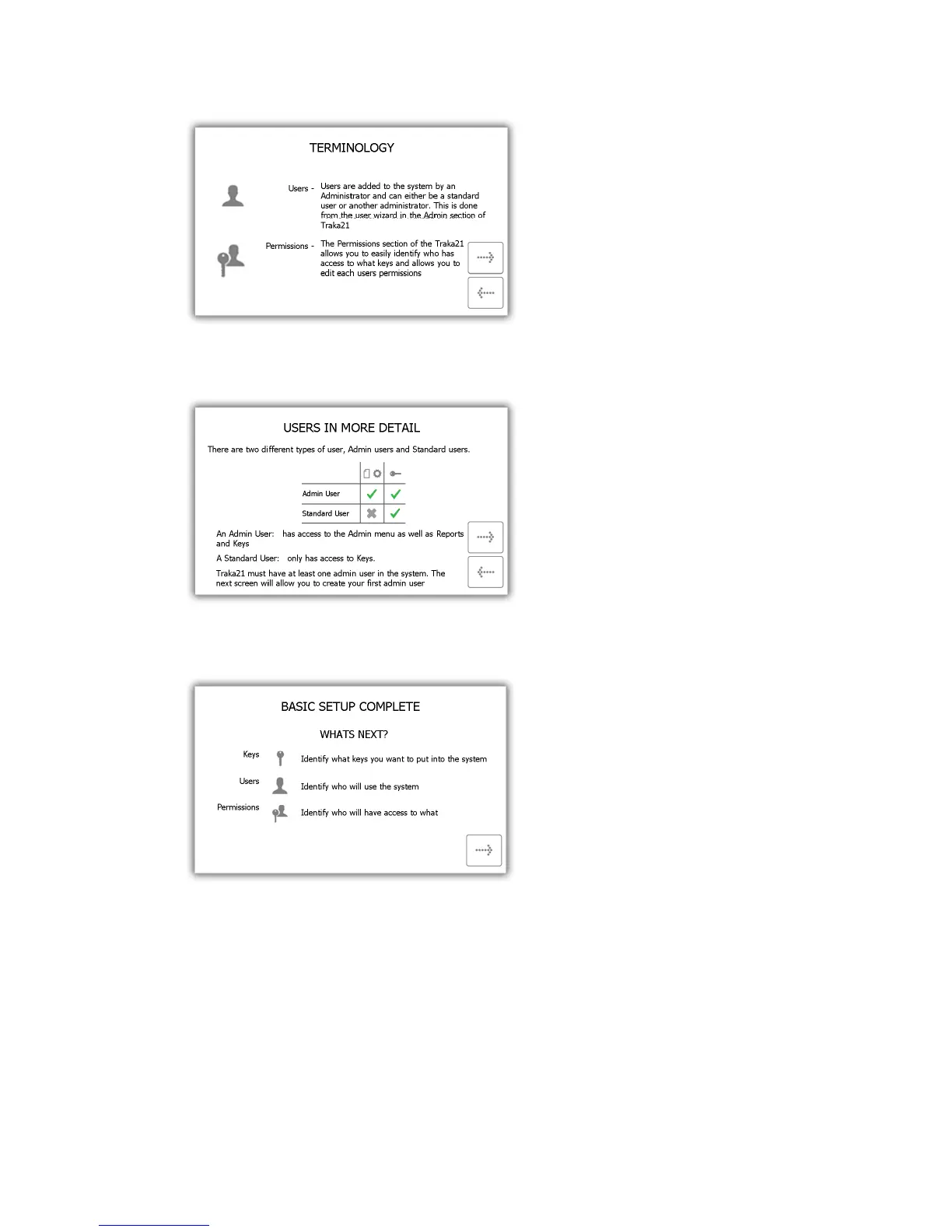
4. Read the second terminology page and click the forward button.
5. This page explains the difference between standard and admin users. Read this page and click the forward
button.
6. The basic setup is now complete. This window will give instructions on what you need to do next. Read this
then click the forward button.
7. The final page of the setup wizard will show how to login to the system and navigate to the administration
menu. Click the forward button to begin.



 To Next Page