EasyManua.ls Logo

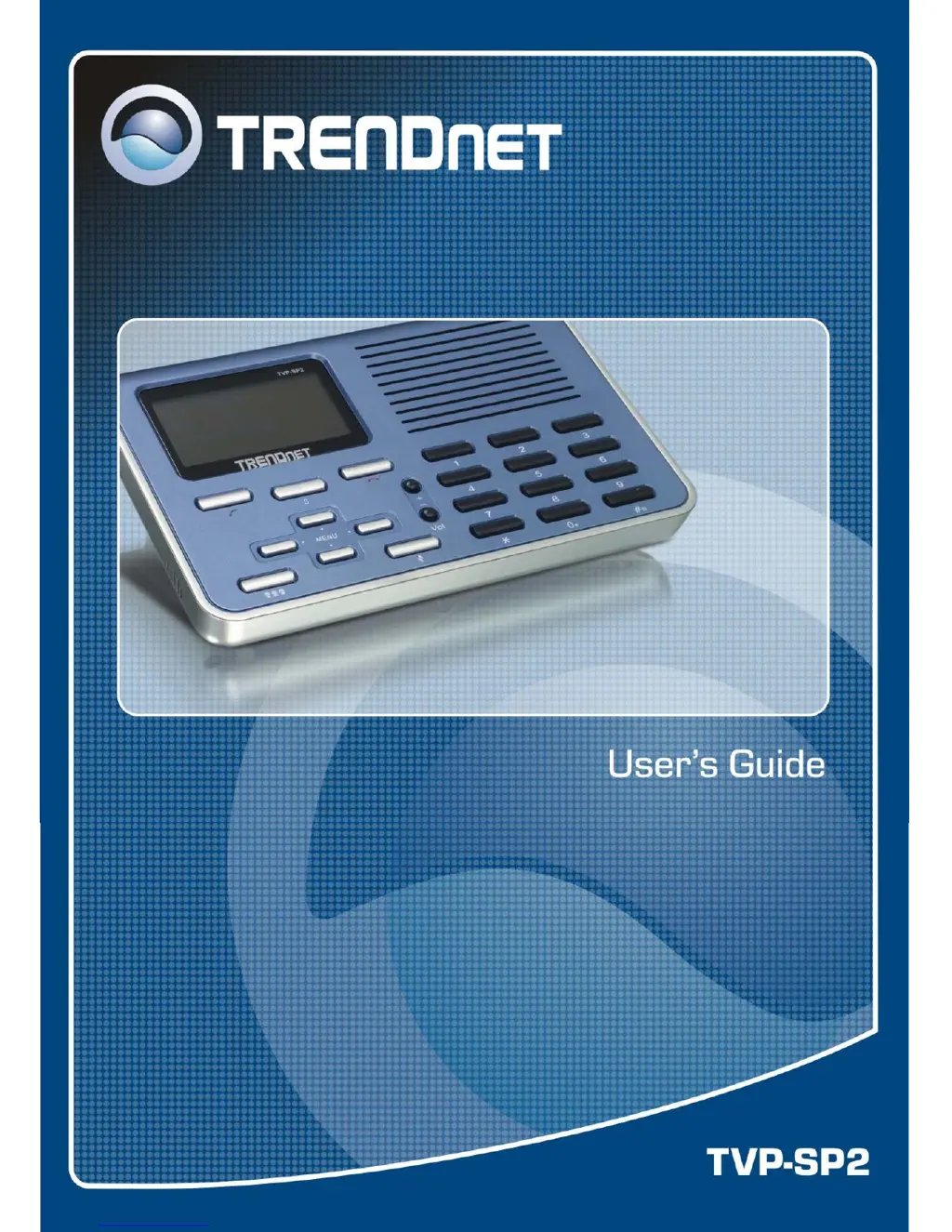
TRENDnet TVP-SP2 - User Manual

TRENDnet TVP-SP2
42 pages
Print Icon
To Next Page IconTo Next Page
Loading...

Other manuals for TRENDnet TVP-SP2

Questions and Answers

  • V
    Valerie StevensonAug 17, 2025
    How to adjust microphone volume on TRENDnet Telephone USB Speakerphone?
    • J
      justinpowellAug 17, 2025
      If the other party can't hear you even after setting the USB Speakerphone as the microphone in Skype, it's possible that the microphone volume is muted or set too low. To fix this, right-click the utility systray icon, select Volume Control, and ensure the microphone volume is properly adjusted.
  • M
    Madison KempAug 19, 2025
    Why the other party cannot hear me on TRENDnet Telephone?
    • N
      nrodriguezAug 19, 2025
      If the other party cannot hear you when using the TRENDnet Telephone, ensure that your software is configured to use USB Speakerphone as the audio input/output device.
  • E
    emartinezAug 22, 2025
    Why can't I hear the other party on my TRENDnet Telephone USB Speakerphone?
    • C
      camposaprilAug 22, 2025
      If you cannot hear the other party on your TRENDnet USB Speakerphone, ensure that both the Audio In (microphone) and Audio Out (speaker) are correctly configured to use USB Audio Device, specifically the USB Speakerphone.
  • J
    Joseph FlemingAug 25, 2025
    What to do if TRENDnet Telephone LCD displays connecting?
    • N
      nicole43Aug 26, 2025
      If the LCD on your TRENDnet Telephone displays 'Connecting…' and Skype is unresponsive, ensure the following: * Verify that you have installed the provided utility software and have allowed the utility to use Skype. * Confirm that the utility is launched. If it's not, click Start > USB Phone for Skype and re-plug the USB Speakerphone. * The phone's LCD should display 'USB Phone', indicating it's ready for use.
  • C
    Christina DaviesAug 27, 2025
    How to fix no dial tone on TRENDnet Telephone?
    • J
      juliephamAug 27, 2025
      If there is no dial tone after pressing the dial key on your TRENDnet Telephone, ensure that your software is configured to use USB Speakerphone as the audio input/output device.
  • Y
    yukennethAug 30, 2025
    What to do if TRENDnet Telephone call cannot be made to offline contact?
    • N
      Nicole ThomasAug 30, 2025
      If a call cannot be made to a contact who has gone offline on your TRENDnet Telephone, it may be because the contact's status changed. Return to the main screen and press the Contact List key again to refresh the contact list.
  • E
    Edward HurleySep 2, 2025
    What causes Skype error with TRENDnet Telephone recording device?
    • M
      Matthew WilkinsonSep 2, 2025
      If you receive a Skype error “Problem with recording Device” while using the TRENDnet Telephone, avoid hot unplugging the device during calls.
  • K
    Kristine HeathSep 4, 2025
    Why TRENDnet Telephone shows unknown user message?
    • N
      Noah JamesSep 4, 2025
      If you receive an 'Unknown User' message on the LCD of your TRENDnet USB Speakerphone when pressing the Contact/Calling List key, it might be that the USB Speakerphone is still loading the list from Skype. Wait a moment for it to finish loading before pressing the key again.
  • M
    Mary MooreSep 7, 2025
    What does wrong number message mean on TRENDnet Telephone?
    • V
      Victoria AndersonSep 7, 2025
      If you get a 'Wrong Number' message on the LCD of your TRENDnet Telephone, it could be that you've dialed an invalid number.
  • T
    Timothy VillegasSep 10, 2025
    Why TRENDnet Telephone uses phone ringtone on incoming call?
    • M
      Michael ReedSep 10, 2025
      When the TRENDnet USB Speakerphone is ringing on an incoming call and uses the phone’s ring tone, note that the ring tone is controlled on the device side, while sound alerts are controlled on the Skype side.

TRENDnet TVP-SP2 Specifications

General IconGeneral
BrandTRENDnet
ModelTVP-SP2
CategoryTelephone
LanguageEnglish