25
Missed Calls List
Pressing the Missed Calls key allows you to load the missed calls list ( ).
Clearing Calling List
To clear the calling records, open the Skype window and click the Call List tab.
Select the calling list type (missed, incoming or outgoing calls) you want to delete
and click the trashcan icon.
Note: The USB Speakerphone’s calling list corresponds to that on the Skype
window. If you clear the list entries on the Skype window, it will be also cleared
from the USB Speakerphone.
Adjusting Speaker Volume
During your conversation, you can press the Volume Up or Volume Down key to
increase or decrease the speaker volume.
To specifically adjust the volume:
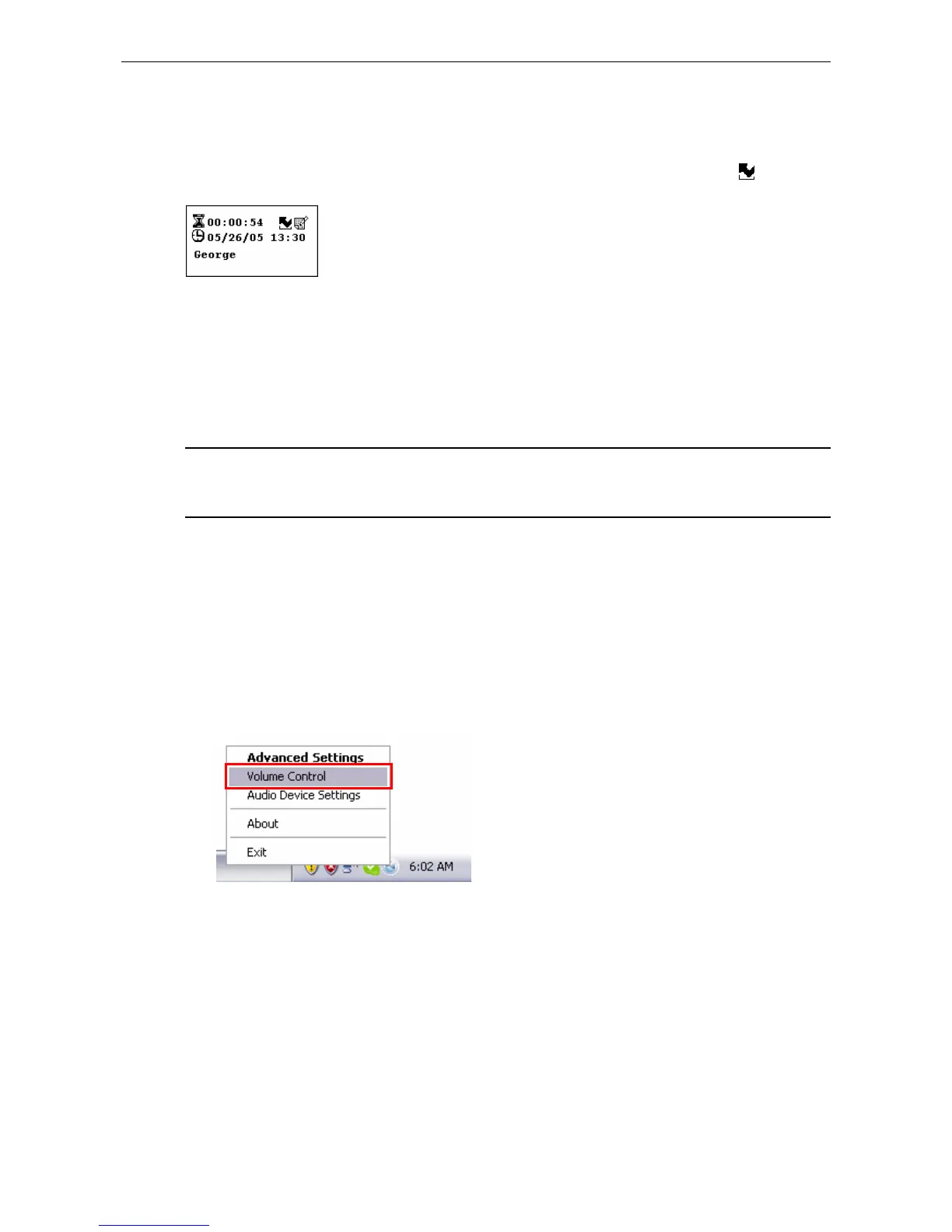
1. Right-click the utility systray icon and select Volume Control.



 To Next Page