TVP-SP2 User’s Guide
20
Using SkypeOut to Call Regular Phones
SkypeOut allows you to place calls to regular telephones or mobile phones. This
feature allows you to call from Skype to friends who are not using computers but
still use regular phones.
To use SkypeOut, you should buy SkypeOut credits first. To do this, click Tools >
SkypeOut. Sign in and find the link to SkypeOut credits page. Then follow the
instructions to purchase the credits.
After you have purchased SkypeOut credits, log out from the Skype web page.
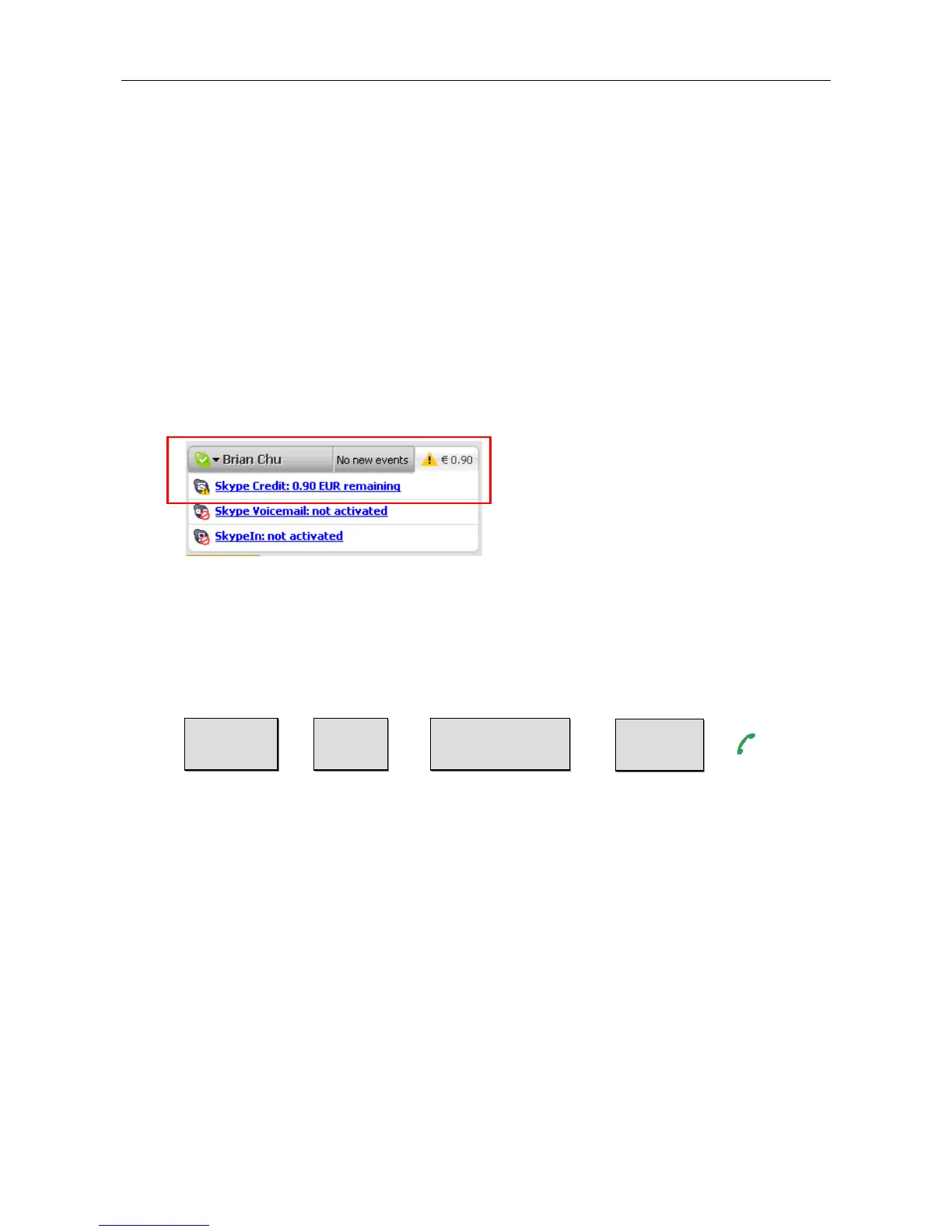
Open your Skype and check the Services section for verification that your
SkypeOut account has been activated.
Making a SkypeOut Call
To make a SkypeOut call, you must enter the number in the following way (whether
for domestic or international calls):
+ + + +
Example 1: Placing a USA domestic call 222-5551234.
00-1-222-5551234 or +1-222-5551234
Example 2: Calling China (010-12345678 ) from USA.
00-86-10-12345678 or +86-10-12345678 (
*Omit the preceding 0 from the local code)
Saving a SkypeOut Contact
1. To save a SkypeOut number, click Tools > Add a Contact.
2. Click To add a SkypeOut contact, click here.
“00” or “+”
Country
Code
City Code
(omit 0 if applicable)
Phone
Number



 To Next Page