3
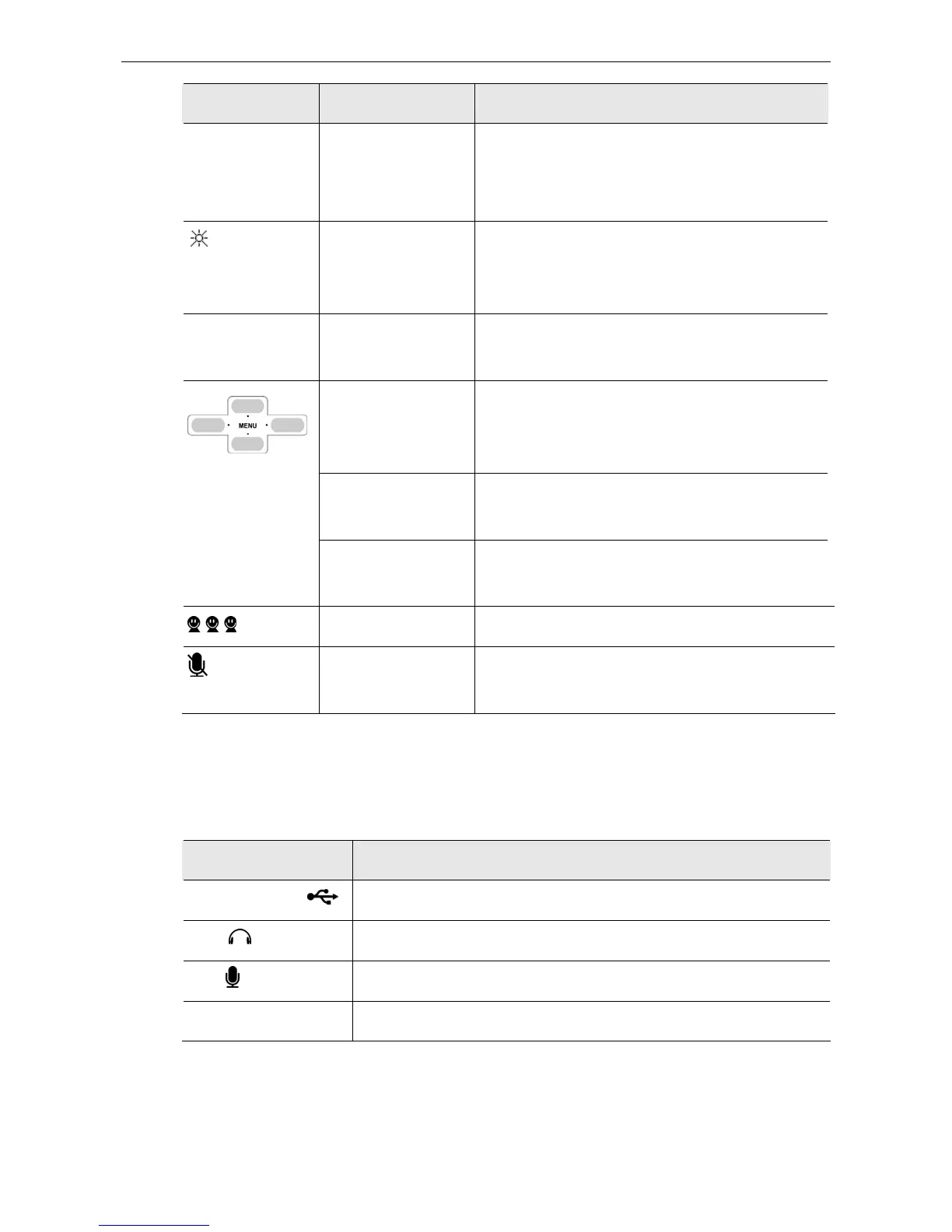
Icon Function Description
Long pressing 0 will enter +.
Long pressing # will enable/disable the LCD
always-on state.
LCD Always-On
Long press to enable LCD always-on state.
Long press again to resume normal LCD state
(stays on for 28 seconds and then turns off).
Vol + / Vol -
Volume Up/Down Increases/decreases the speaker/earphone
volume.
Scroll Up/Down
(Up/Down)
Moves up and down in Skype contact list and
calling list. (In LCD, long pressing allows you to
quickly scroll through the list.)
Outgoing/Incoming
Call List (Right)
Press briefly and then release to display and
switch outgoing / incoming call list.
Missed Call List
(Left)
Press briefly and then release to display missed
call list.
Contact List Displays contact list on LCD.
Mute Mutes the microphone. Pressing it again turns
mute off.
* The keys shown above are for reference only. Actual color and appearance depends on your
model.
Connectors
Connector Description
USB Connector USB 1.1 compliant B type female connector
EAR 3.5mm jack for earphone.
MIC
3.5mm jack for microphone.
DC IN Power connector.



 To Next Page