TVP-SP2 User’s Guide
4
2. Hardware Installation
Connect one end of the provided USB cable to the USB Speakerphone and the
other end to your computer’s USB port. When connected to your computer,
Windows will automatically detect the new device. Complete the driver installation
according to your Windows operation system.
For Windows XP/2000
Under Windows XP/2000, you don’t need to install the driver. The system will
automatically install Windows built-in audio driver. After that, you are ready to use
the USB Speakerphone.
For Windows Me
When the Add New Hardware Wizard screen pops up, select Automatic search
for a better driver and then click Finish to complete the Windows built-in driver
installation.
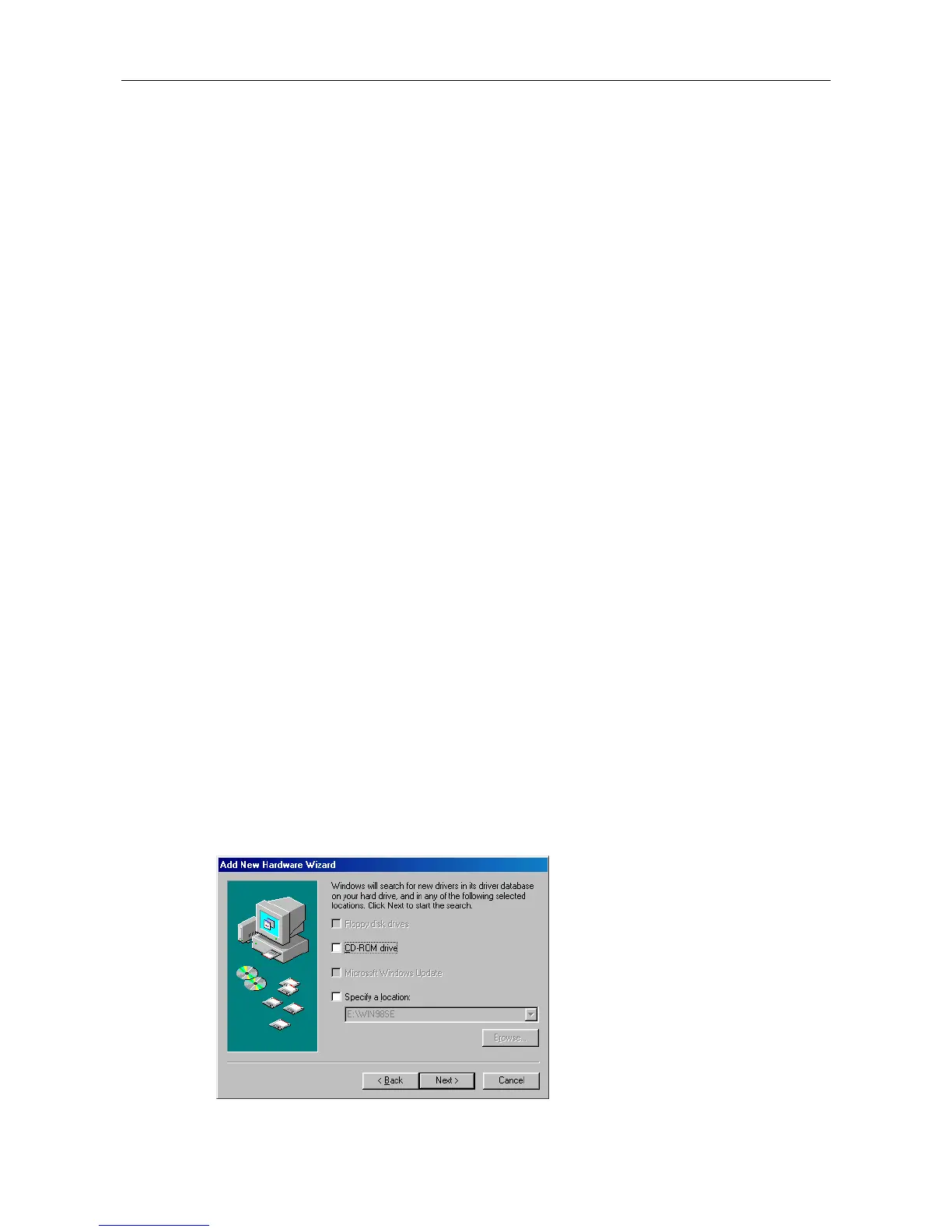
For Windows 98SE
Upon detecting the new device, take these steps:
1. When the Add New Hardware Wizard screen pops up, click Next.
2. Select Search for the best driver for your device. Click Next.
3. Clear all the selections and click Next.



 To Next Page