5
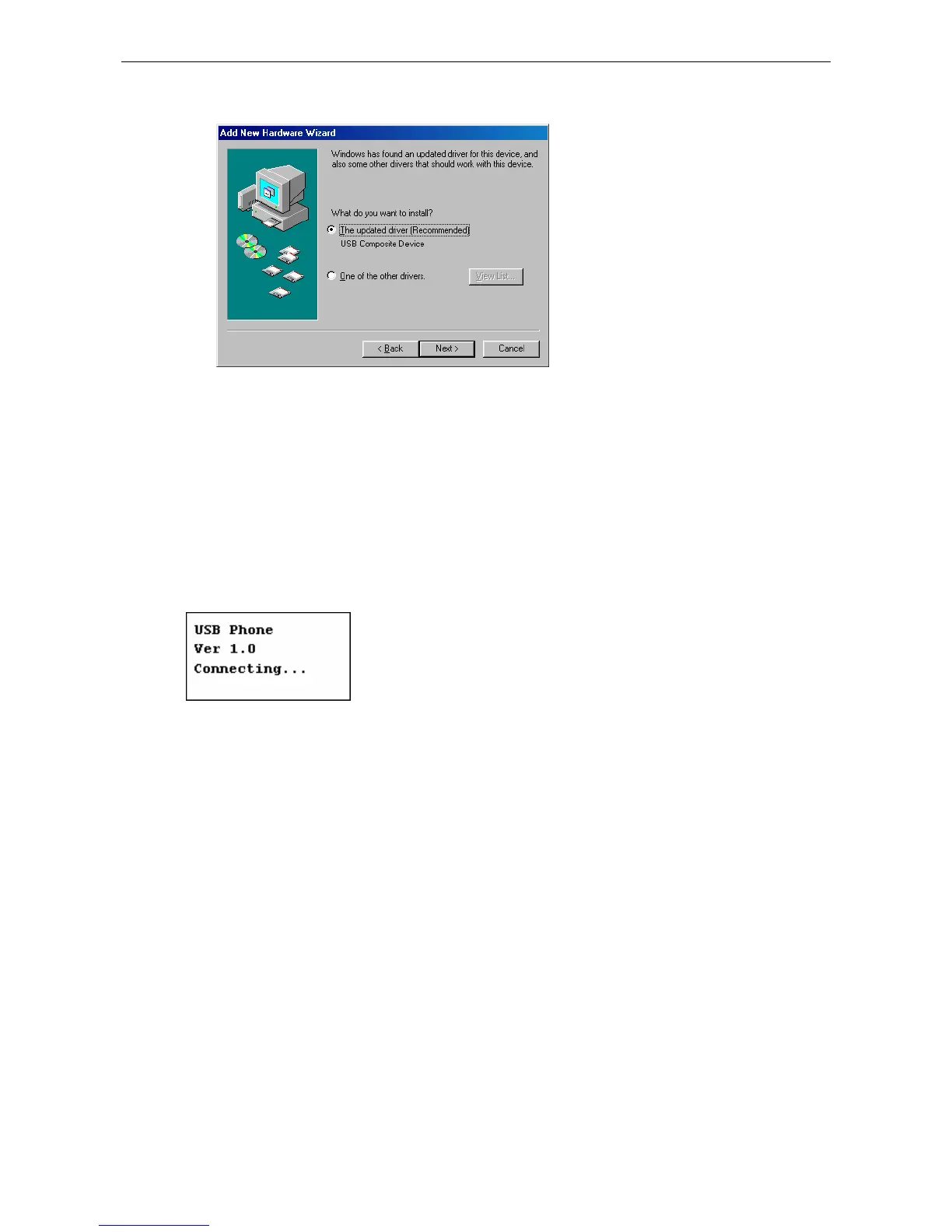
4. Select The updated driver (Recommended) and click Next.
5. Follow the on-screen prompts to proceed. As the system will detect three
device components, you need to repeat the above steps three times.
During the installation, Windows may prompt you for the Windows 98SE
CD-ROM. In this case, insert the Windows 98SE Setup disc and click OK.
In Windows 98 and ME, the LCD always displays Connecting…as shown below
when the USB Speakerphone is connected. Now it’s ready to be used as audio
in/out device.
* Actual version number depends on your USB Speakerphone.



 To Next Page