TVP-SP2 User’s Guide
26
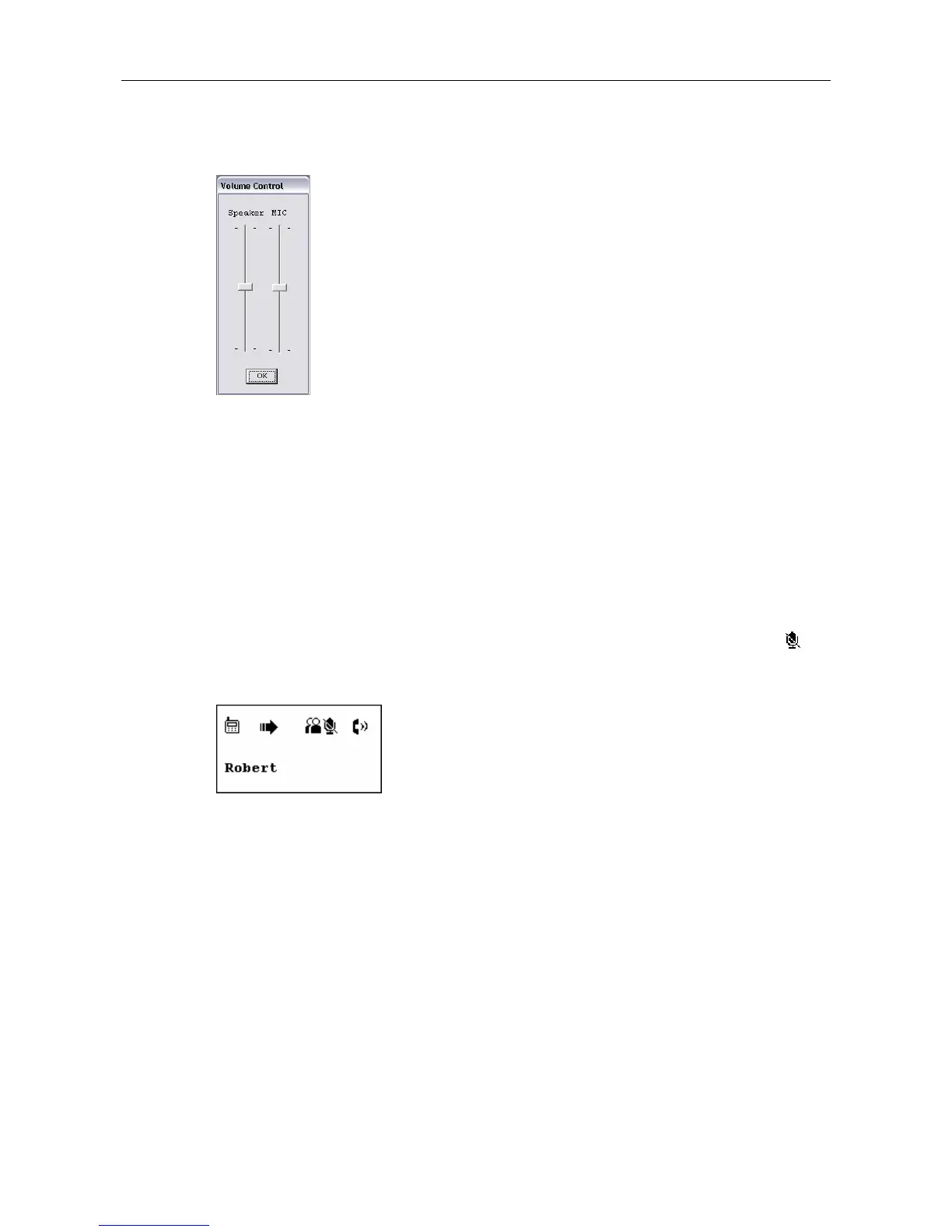
2. Adjust the speaker volume by moving the slider up or down. You can do this by
mouse/keyboard or by pressing the Volume Up or Volume Down key on the
USB Speakerphone.
Adjusting Microphone Volume
1. Right-click the utility icon in the system tray and select Volume Control.
2. Use the mouse/keyboard to adjust the MIC volume by moving the slider up or
down.
Muting
To mute the microphone, press the Mute key. When mute is on, a mute icon is
displayed on the screen. To turn mute off, just press the Mute key again.



 To Next Page