TVP-SP2 User’s Guide
18
Calling a Skype User
Prerequisites
To call a Skype user, you have to launch Skype and log in to Skype. And you
should have added desired Skype user(s) to your contact list. Then you can use the
following methods to call a Skype user.
Loading the Contact List on LCD Panel
1. Press the Contact List key to load the Skype contact list.
Only one contact is displayed at a time. The top-right icon indicates the online
status of the contact.
means online while means offline.
Note: Letter with diacritical marks, such as German umlaut letters (Ä, ä, Ö, ö,
Ü, ü), is not displayable and will be replaced by a blank instead on the display.
2. Scroll with Scroll Up / Down to reach the desired contact. You can keep
pressing Scroll Up / Down to quickly scroll through the list. (To exit the contact
list, press the Contact List key again or press the
key.
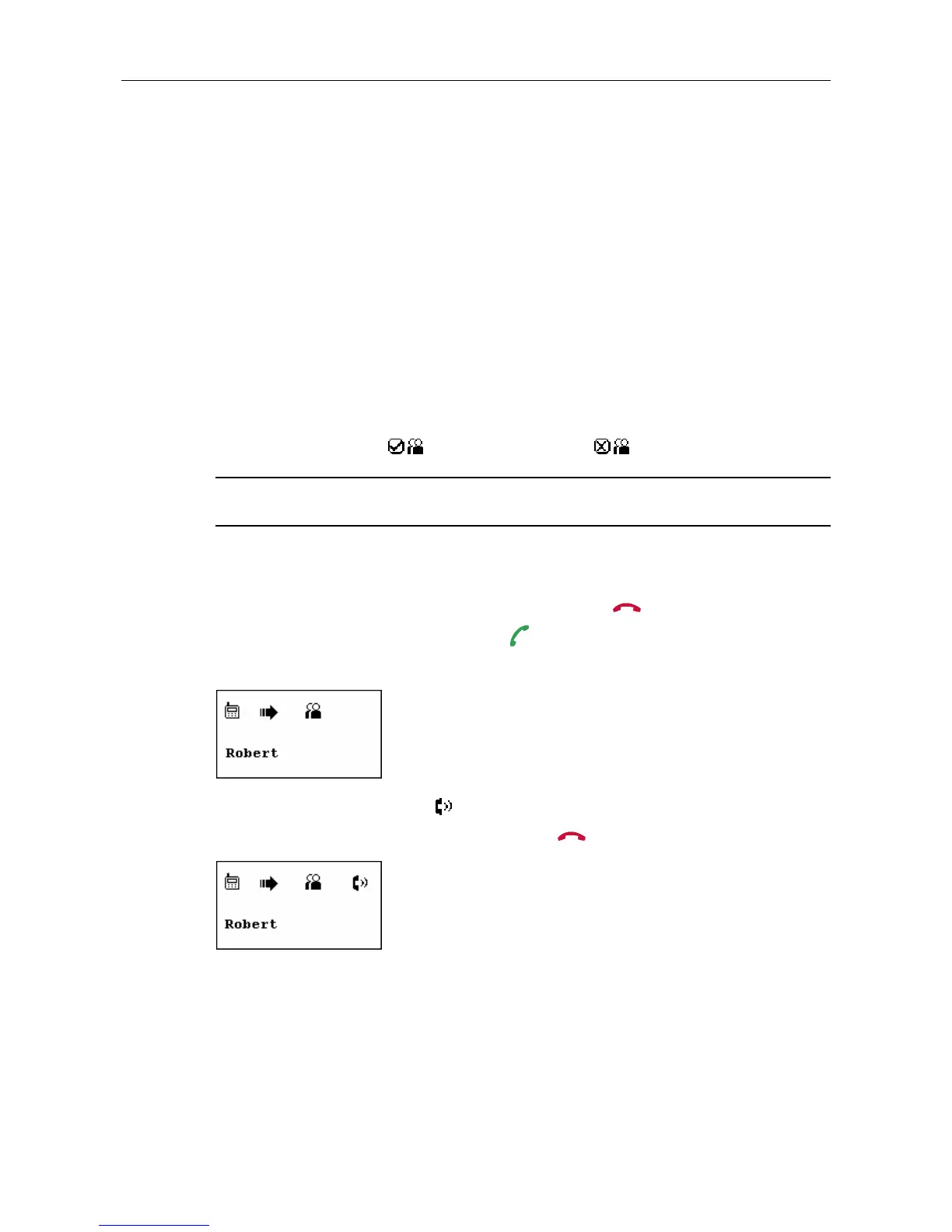
3. To call current contact, just press the
key. While establishing the
communication, the screen is as below.
4. When the call is answered, appears on the screen. You can start the
communication now. To end the call, press
.



 To Next Page