TVP-SP2 User’s Guide
16
5. Using the USB Speakerphone with
Skype
Connecting the USB Speakerphone
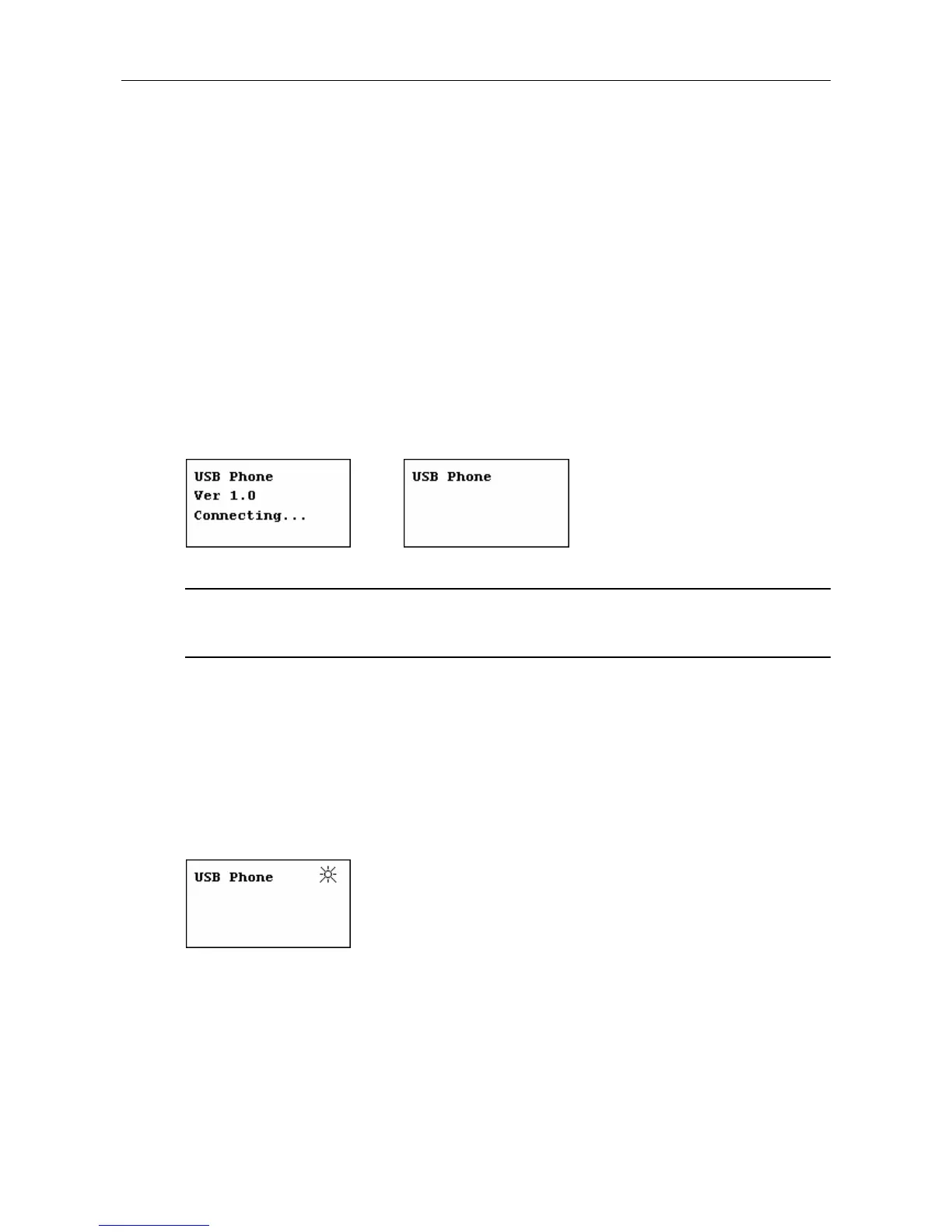
When the USB Speakerphone is connected to a powered-on computer, the LCD
backlight will turn on and the device will start to connect to the installed utility. When
the connection is established, USB Phone is displayed indicating the device is
ready for use.
* Actual version depends on your USB Speakerphone.
Note: If Connecting… keeps showing on the display in Windows XP/2000, the
device might have a problem communicating with Skype. Refer to the
“Troubleshooting” section to solve this problem.
Enabling LCD Always-On State
By default, the LCD backlight will stay on for 28 seconds and then turn off if no
operation is performed. To set the LCD to always-on state, long press the # button
and then release. A light indicator will be displayed on the LCD. To disable the
always-on state, just long press the # button again.
Enabling Automatic Gain Control
It's suggested that you enable the Automatic Gain Control (AGC) function to let the
microphone automatically adjusts its audio gain. AGC will increase the gain when
the microphone is far away from the user, which is particularly useful when making



 To Next Page