TVP-SP2 User’s Guide
6
3. Application Installation
If you are using the USB Speakerphone simply as an audio input/output device in
combination with an instant communication software, e.g., NetMeeting, MSN
Messenger or Yahoo Messenger), you don’t need to install any other software.
Please ignore this chapter.
To use Skype with the USB Speakerphone in Windows 2000/XP, please follow the
instructions in this chapter to complete the installation.
Installing Skype Software
1. If Skype is not yet installed on your computer, please download Skype
installation file from www.skype.com.
2. Double-click the installation file you’ve downloaded and then follow the
on-screen prompts to complete the installation.
Installing the USB Speakerphone Utility
To enable your USB Speakerphone to communicate with Skype, you have to install
the provided utility to allow the USB Speakerphone to access Skype’s functionality.
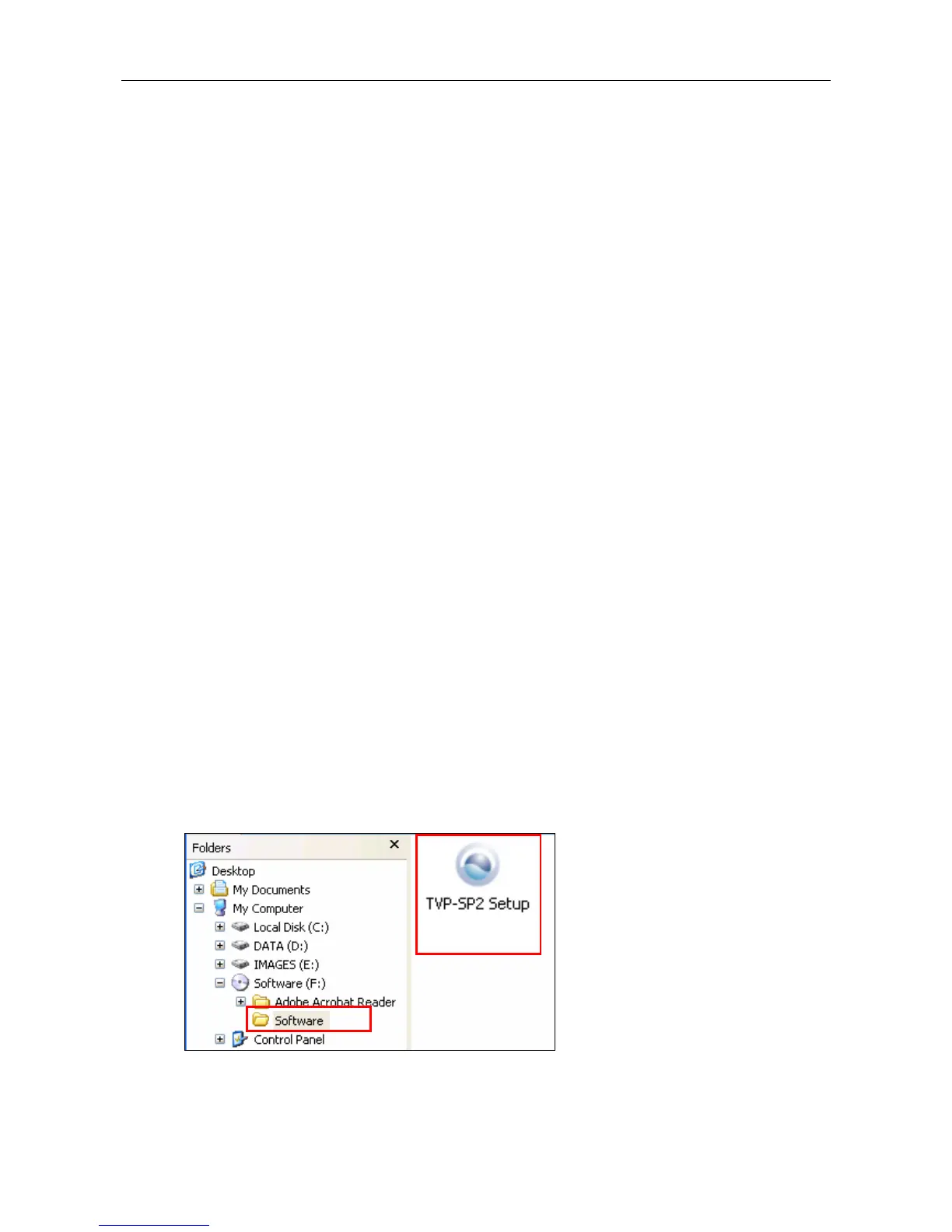
1. Insert the provided Software Utility CD into your CD-ROM drive. The setup
program will start automatically. If not, locate and double-click the Setup.exe
file in the Software folder to launch the setup program.



 To Next Page