13
Viewing USB Speakerphone Status
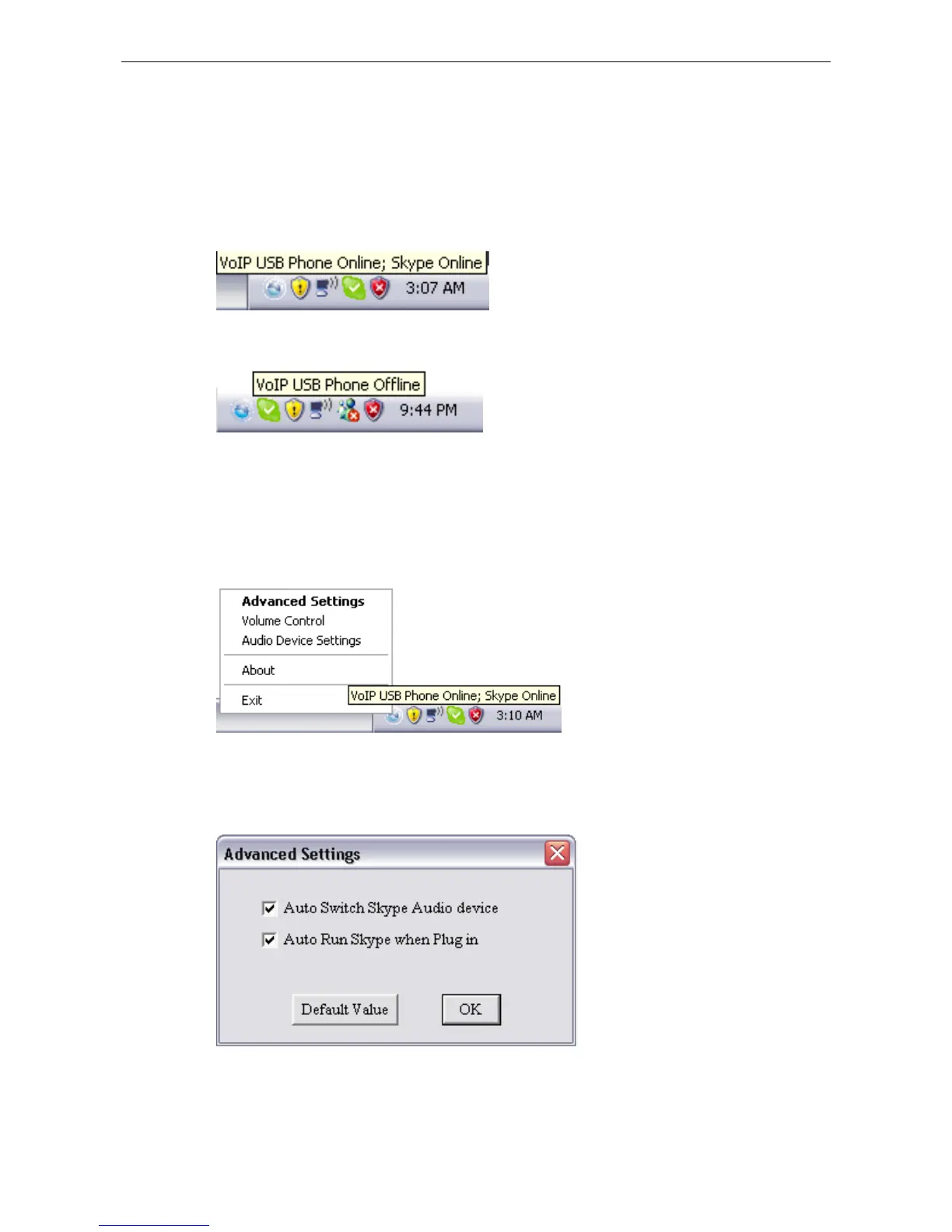
Place the cursor over the utility systray icon and you can view the status of your
USB Speakerphone.
USB Phone Online: Your USB Speakerphone is connected.
USB Phone Offline: Your USB Speakerphone is not connected.
Using Utility Control Panel
Right-clicking the utility icon in the system tray brings out a context menu. The
configurations you can make are describes as follows.
Advanced Settings



 To Next Page