19
Using the Contact List on Skype Window
1. Press the Skype On key to open the Skype window (if not open) and switch to
the Contacts tab.
2. Select your target contact. You can use mouse or the Scroll Up / Down key on
the USB Speakerphone to scroll through the contact list.
3. Press the
key to call the desired contact. To end the call, press .
Speed Dialing
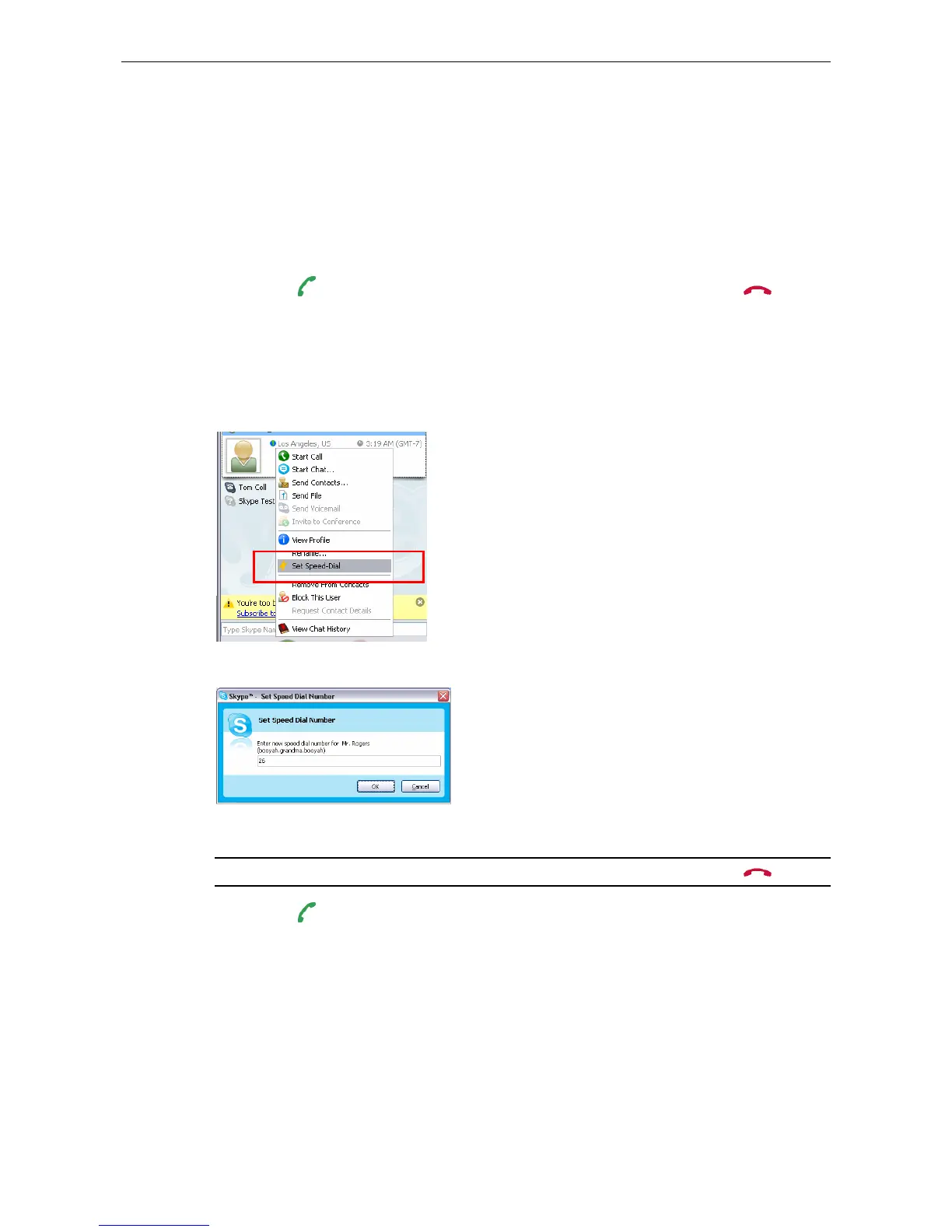
1. In Skype window, go to the Contacts tab and select your desired contact.
Right-click the contact and select Set Speed-Dial.
2. Assign a number as a speed dial number using your keyboard.
3. Press the speed dial number using the USB Speakerphone.
Note: In case you want to clear the number you entered, press the
key.
4. Press the key to make the call.



 To Next Page