11
4. Re-start the utility to activate your changes. Right-click the utility systray icon
and choose Exit. Then click Start > Programs > TRENDnet TVP-SP2 > VoIP
USB Phone to restart the utility.
Verifying Skype Audio Device
When the USB Speakerphone is plugged, it should be automatically set as Skype’s
default audio devices.
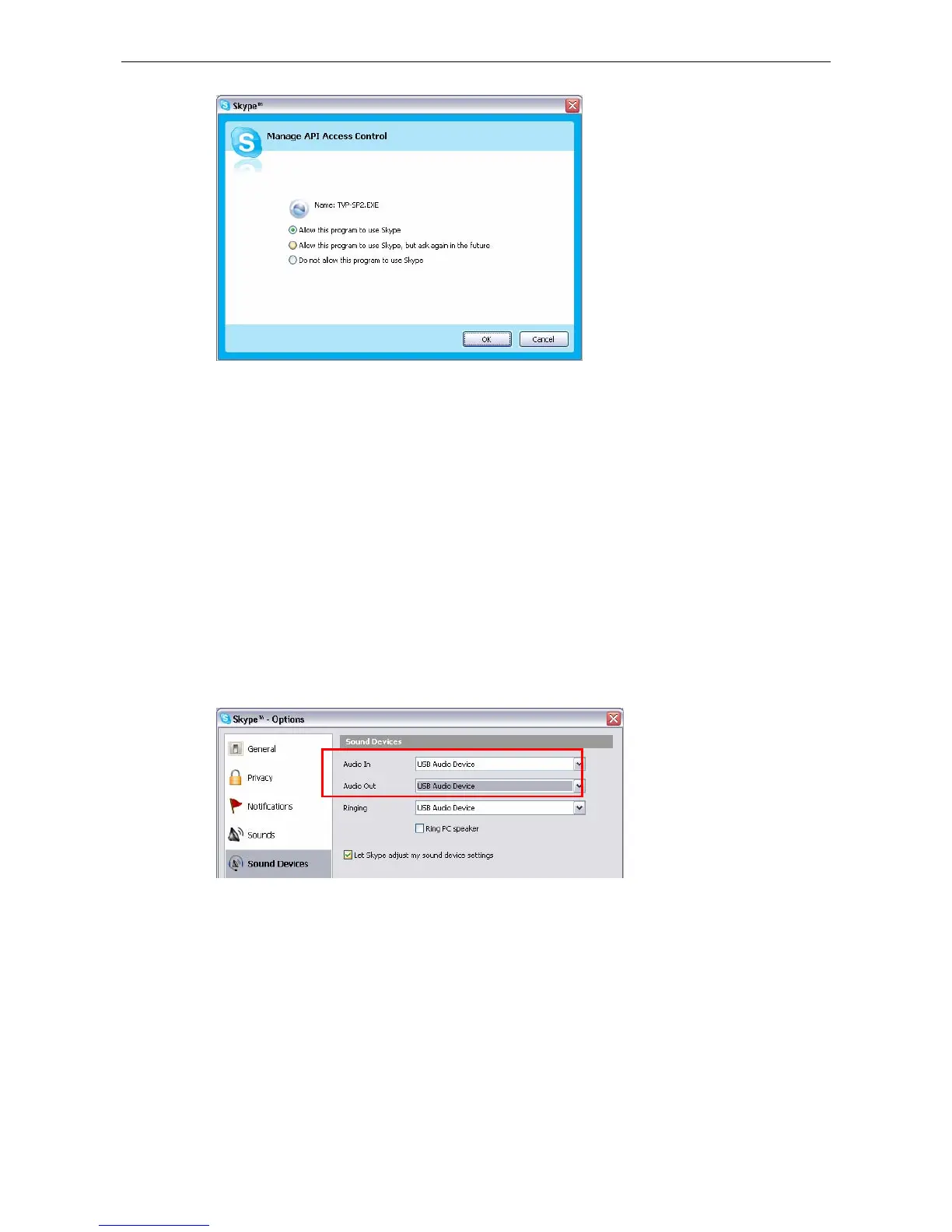
To verify the audio setting in Skype, click Tools > Options > Sound Devices.
Make sure the Audio In (microphone) and Audio Out (speaker) and are correctly
configured to use the USB Speakerphone.



 To Next Page