TVP-SP2 User’s Guide
22
Conference Call
You can dial several people all at once to start a conference call. The participants
can be either Skype or Skypeout users. Up to 5 people can attend the conference
call (but actual number of the particients depends on Skype software version). To
start a conference all, take these steps:
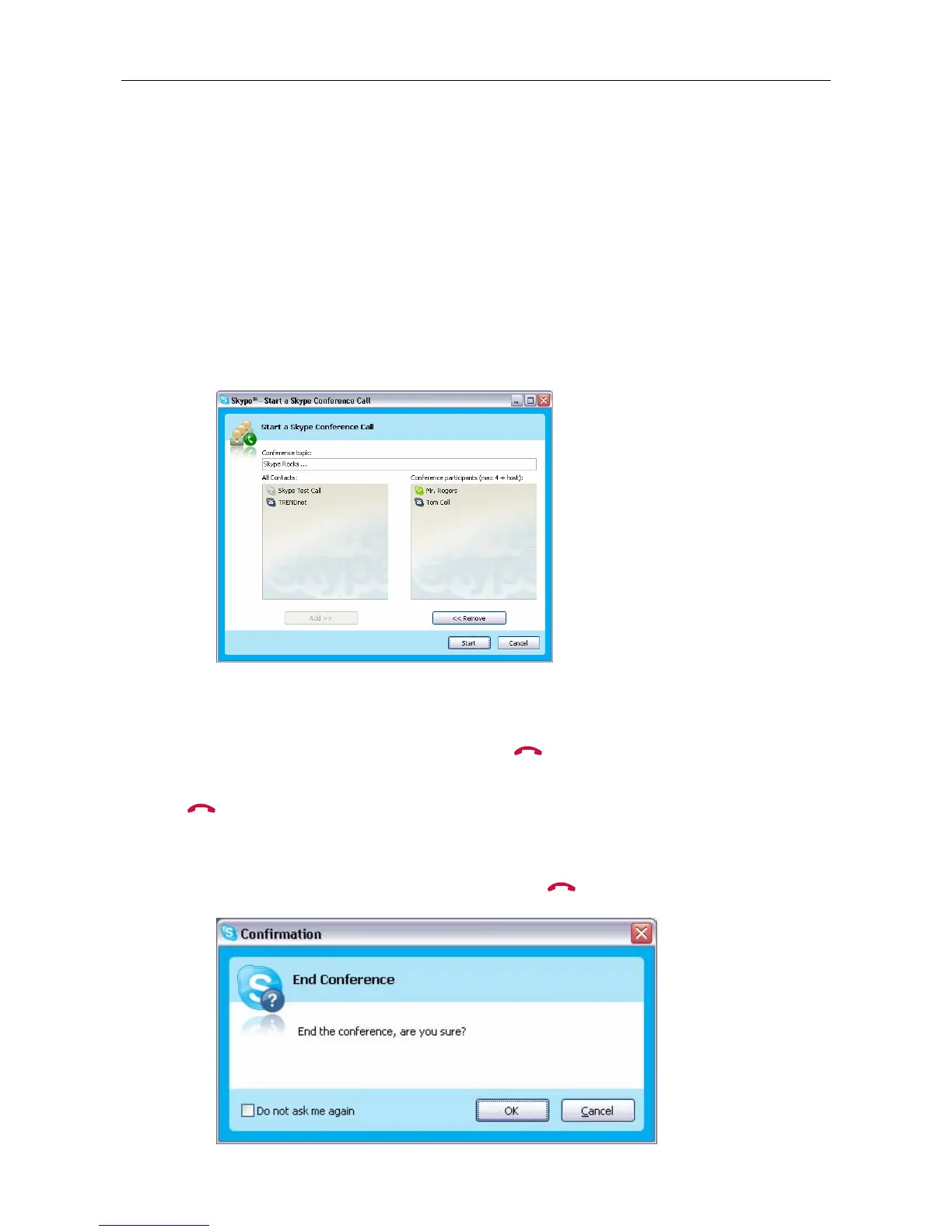
1. In Skype toolbar, select Tools > Create conference.
2. In the Conference Topic field, you can type in a topic or just leave it blank.
Then select the participants from your contact list and click Add to add them.
Then click Start.
3. Skype will dial to the participants. When they answer the call, you can hear
them from the USB Speakerphone.
4. To end the conference call, press the
key.
Note that if you’re starting a conference call for the first time, when you press the
key to terminate the call, a confirmation dialog will appear and need your
confirmation to end the call, so you need to press Yes to end the call. Please
remember to tick the Do not ask me again check box so that next time you can
directly end a conference call by pressing the
key.



 To Next Page