23
Answering a Call
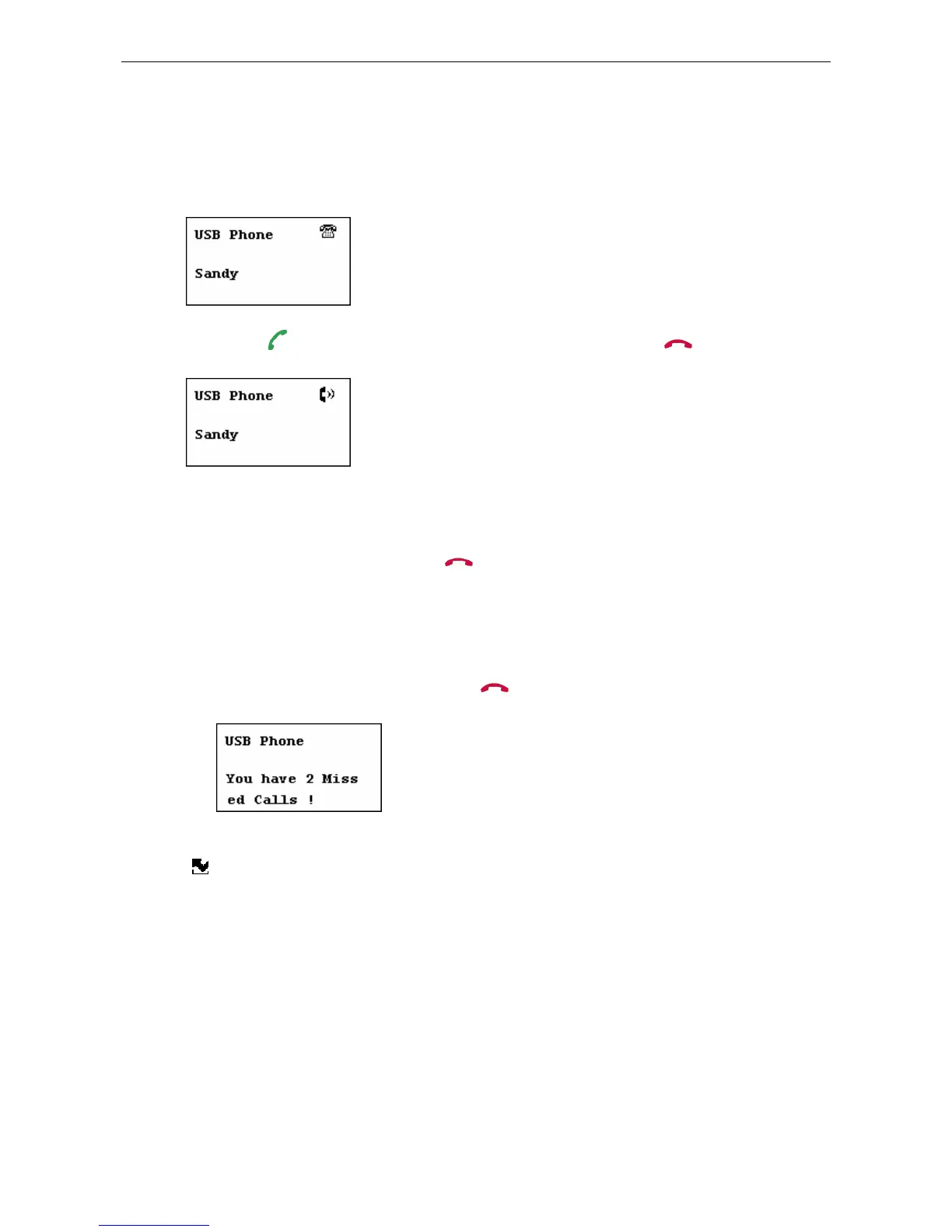
On an incoming call, the USB Speakerphone will be ringing and the LCD backlight
will flash with the caller ID displayed (if available).
Press the
key to answer the call. To end a call, press the key.
Ending / Rejecting a Call
To end or reject a call, press the key.
Missed Calls
In case you have missed calls, the LCD will display a message of missed calls. To
exit the notification screen, press the
key.
To view details of missed calls, press the Missed Calls key to load the missed calls
(
). To clear this message, you should clear the missed calls records via Skype.
See “Clearing Calling List” on page 25” for details.



 To Next Page