TrojanTwo User Guide v3.8
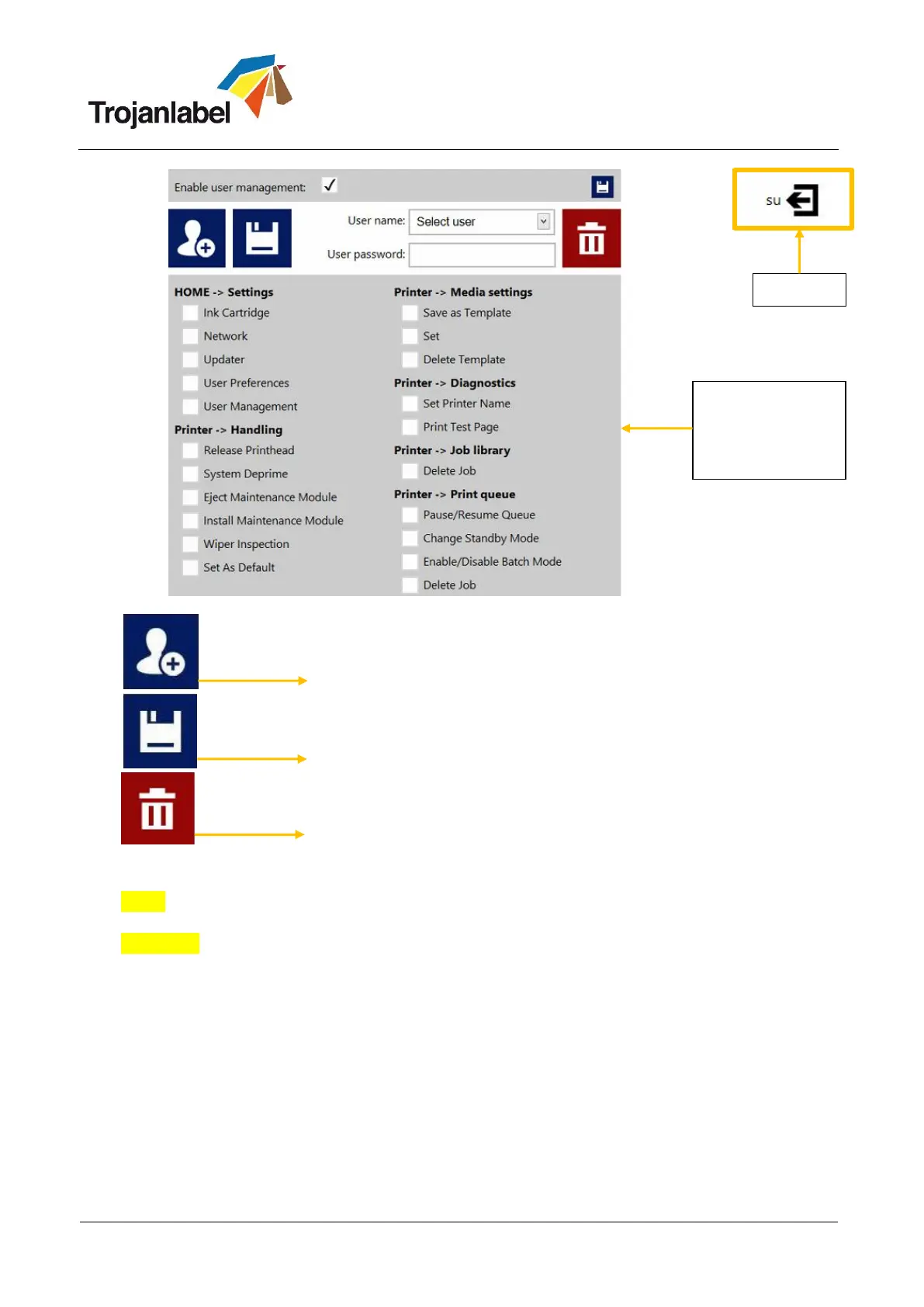
Add new user
Save new user settings / save changes in existing user account
Delete user from list
NOTE: Passwords can only contain numeric characters (only numbers). The default password for the
admin user is 123. It is advised to change the admin password during installation.
WARNING: Do not lock out yourself! At least one user must have ‘User Management’ right otherwise
there is no way to add or change properties of other users. In case you end up locked out please
contact Trojanlabel support who can restore the default user settings.
Assign/change
access rights to
menus and
functions



 To Next Page