Maintenance A-3
10. When the nozzle has been cleaned satisfactorily, make sure that the
o-ring still has a thin layer of grease. If not, apply a thin coating of
grease.
11. Reinsert the nozzle and make sure that it is seated firmly in the
nozzle mount.
12. Replace the outer inlet in the nozzle mount. Note that there is an
alignment pin that matches a slot in the side of the outer inlet. Rotate
the outer inlet until the inlet seats on the alignment pin.
13. Replace the cover on the instrument.
14. Tighten the six screws holding the cover in place.
15. Replace the outer inlet retaining ring and tighten firmly.
16. Insert the power cord into the power entry connector on the back of
the instrument.
17. Apply power to the instrument with the switch on the back panel.
18. Check that the flows are correct.
Clean i n g the Out e r Nozzle
Clean the nozzles according to the maintenance schedule and also under
the following circumstances:
The pumps are running at maximum flow and the nozzle flow is still too
low
The APS™ spectrometer has been exposed to extremely high aerosol
concentrations or to fibers
There is a constant level of particle noise even when the APS™
spectrometer samples filtered air
To clean the nozzles, proceed as follows:
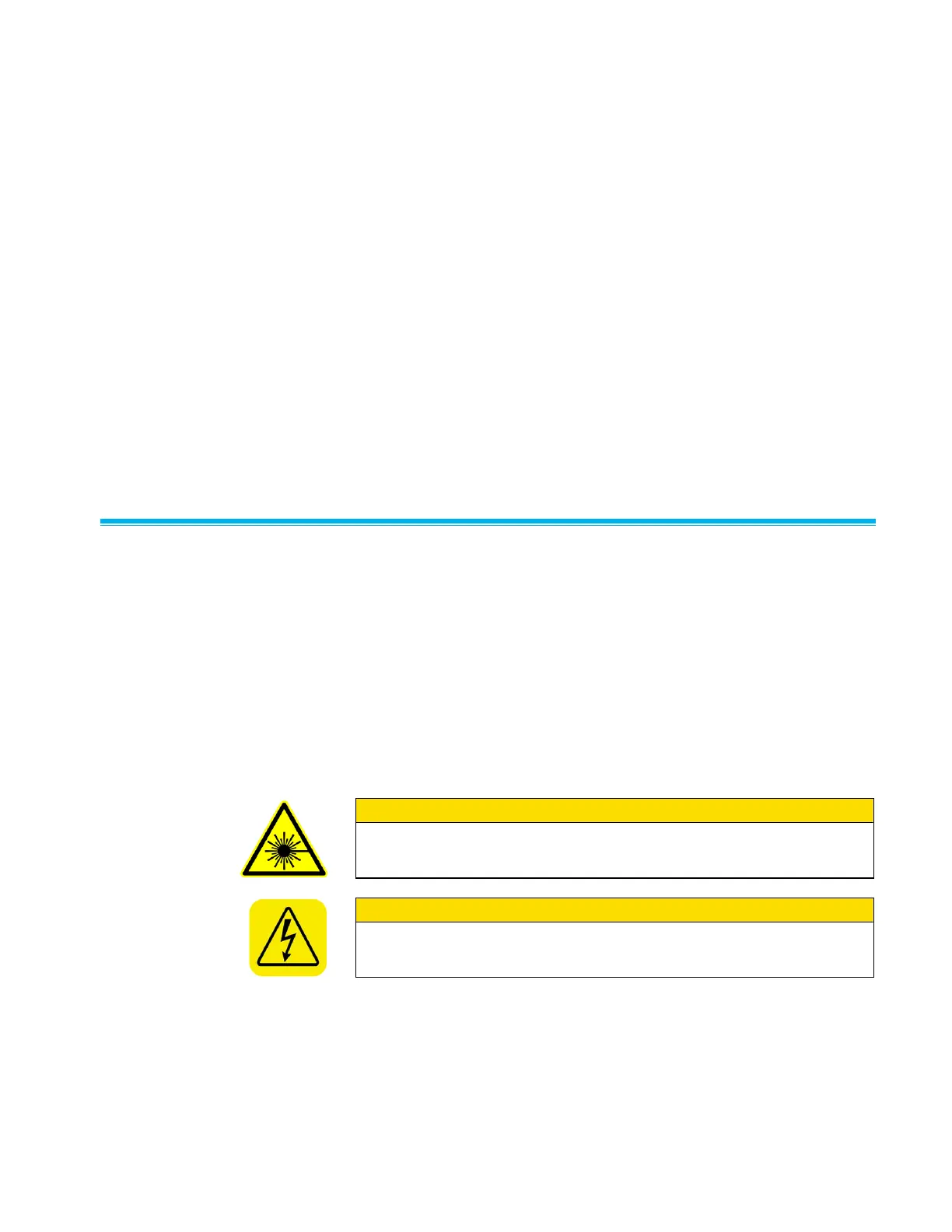
W A R N I N G
Make sure power is switched off and power cord is disconnected to
avoid any exposure to hazardous laser radiation.
W A R N I N G
High voltage is accessible in several locations within this instrument.
Make sure you unplug the power source before removing the cover or
performing maintenance procedures.














 To Next Page