C-8 Model 3321 Aerodynamic Particle Sizer
Spectrometer
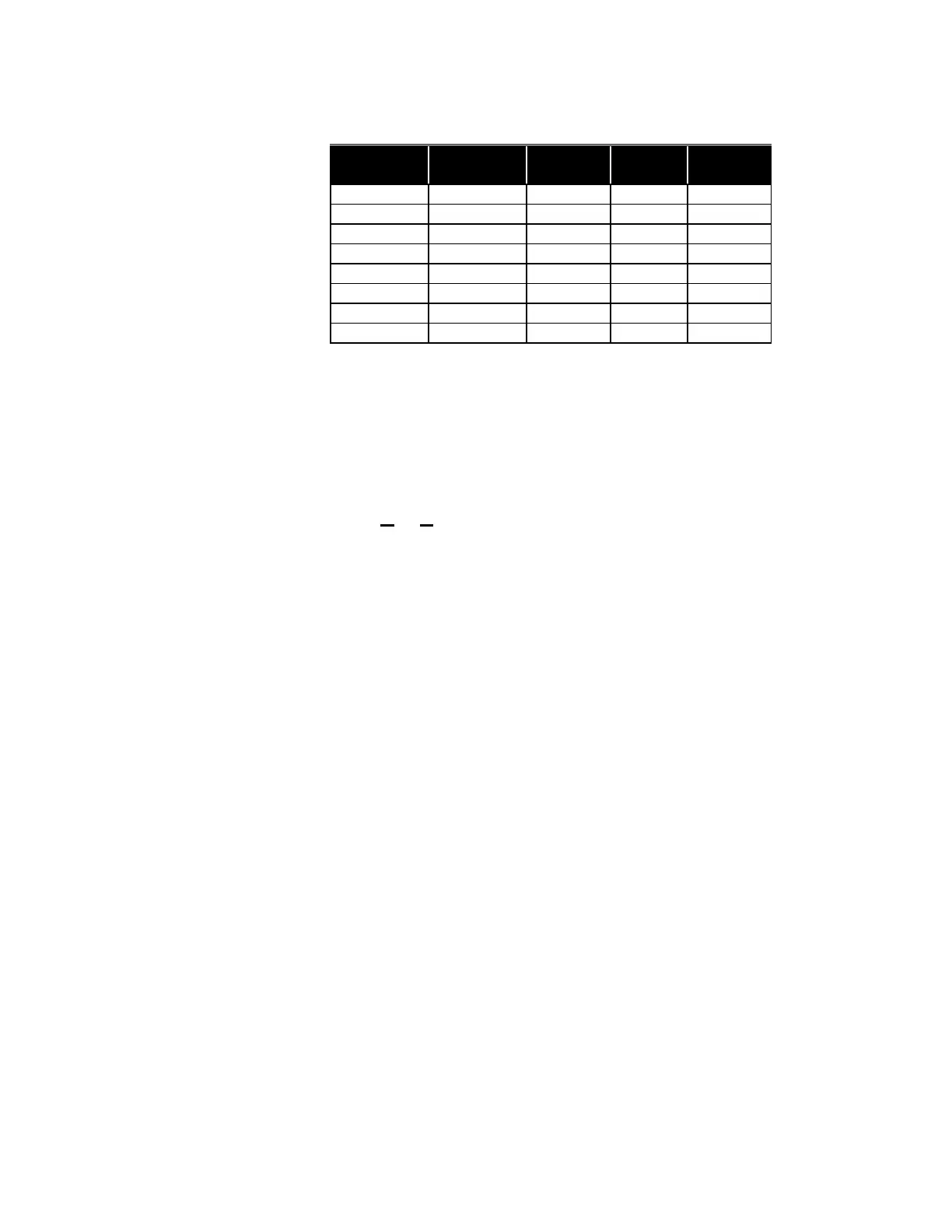
Table C-2
Digital Output Pin Settings
Example:
To set the outputs for I/O connector pins 11, 12, and 13 to 0 volts:
SD0
To set the outputs for I/O connector pins 11, 12, and 13 to 5 volts:
SD7
SF—Set Front Panel Enable
SF lets you disable the front panel of the Model 3321 to prevent clearing
sample averages that are being read by an external computer.
SFx
where:
x = 0 or 1:
0 = front panel disabled
1 = front panel enabled
When the front panel is disabled, it has “view only” control. You can read
front panel settings, but no modification is allowed. The default is 1 when
the instrument is powered on. The parameter is not stored in EEPROM so
the panel is always enabled on startup.
Example:
To disable the front panel of the 3321:
SF0














 To Next Page