68
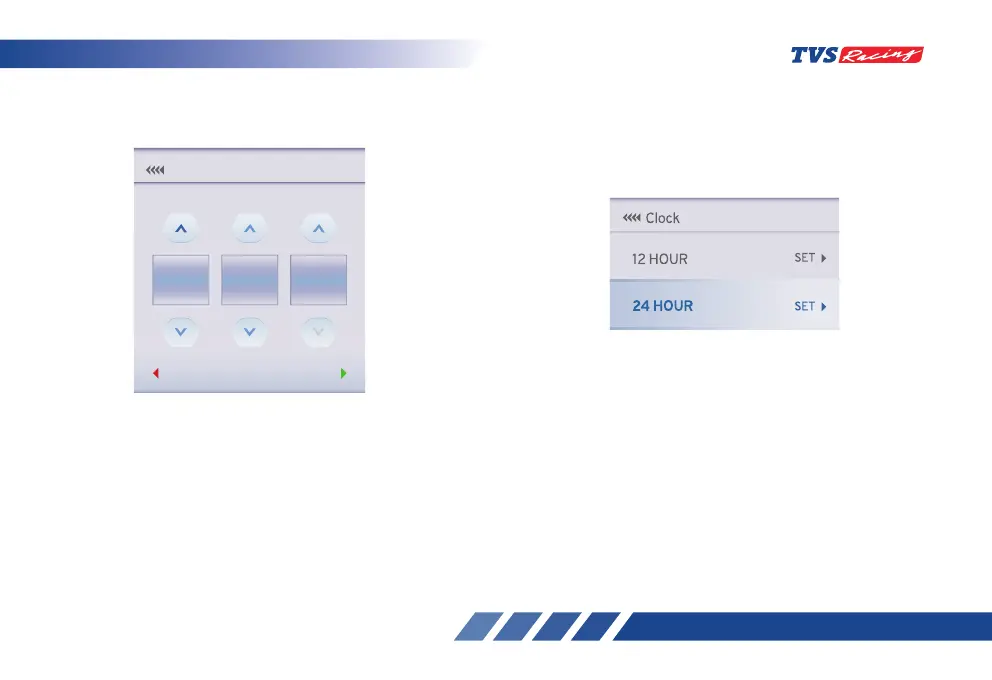
• For 12-hour press the UP button to increase
the hour value and press the DOWN button to
decrease the hour value.
• Press the ‘SET’ button after setting the hour value
and for proceeding to set the minute value.
• Similarly, for the minute setting, press the UP
button to increase the minute value and the
DOWN button to decrease the minute value.
• Press the ‘SET’ button after having set the correct
minute value.
05
30 PM
SELECTBACK
Manual
hh | mm | am/pm
Clock
• Toggle between AM and PM using the UP and
DOWN buttons and then press the ‘SET’ button.
• For 24 hours press the down button to select the
24 HOUR and press the ‘SET’ button to select the
following function.
• Press the UP button to increase the hour value
and press the DOWN button to decrease the hour
value.
• Press the ‘SET’ button after setting the hour
value and for proceeding to set the minute value.
• Similarly, for the minute setting, press the UP
button to increase the minute value and the
DOWN button to decrease the minute value.
• Then press the ‘SET’ button to save the set time
in the chosen format.














 To Next Page