Step 6 — Heat printer and insert filament into extruder
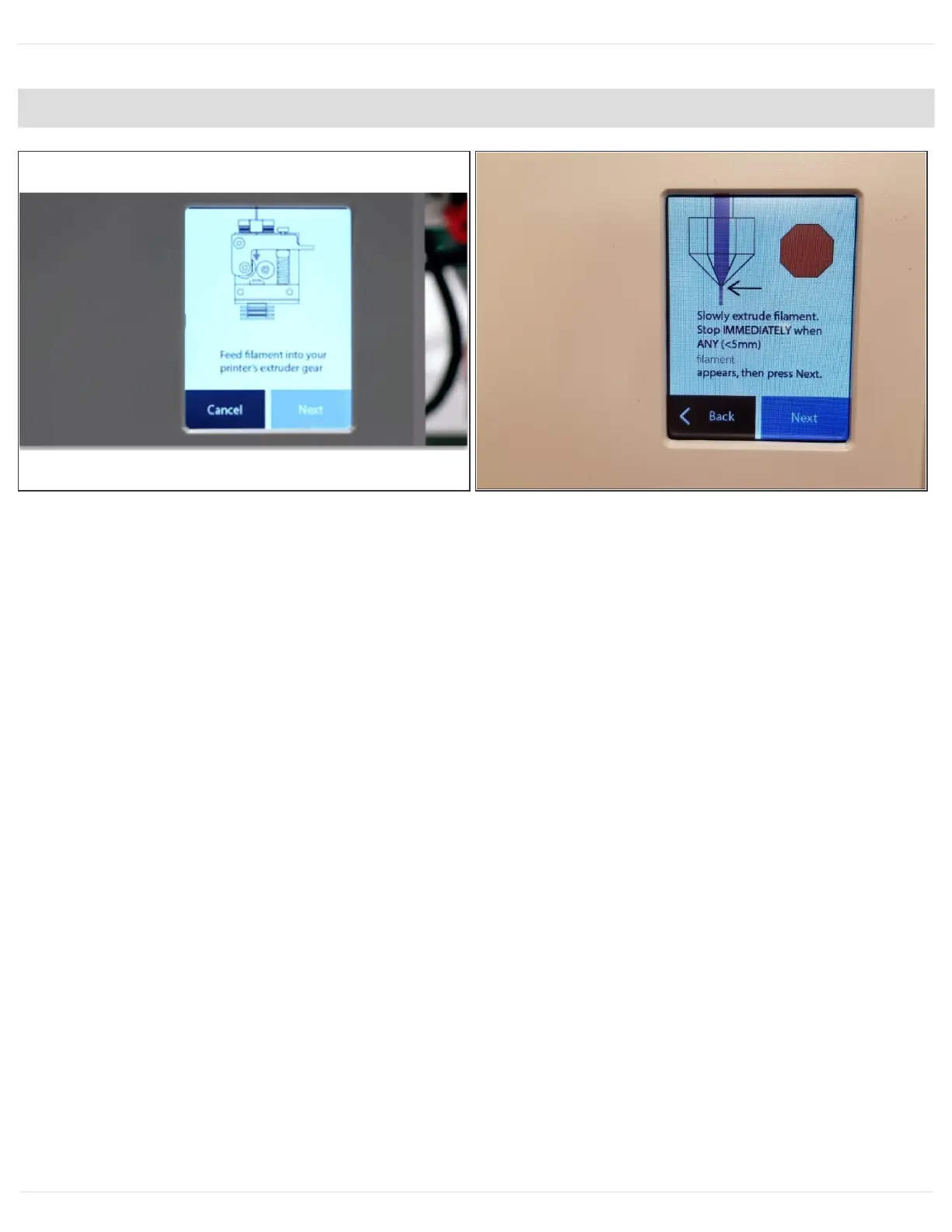
After 2-3 minutes the screen will prompt you to feed filament into your printer's extruder gear.
Select 'Next' on the following two screens until you see the screen below that says 'Slowly extrude
filament…'.
On the Ultimaker screen select Maintenance > Advanced > Heat up Nozzle > Scroll to 210C. Wait
until the temperature reaches 210C. Caution: the nozzle will be very hot through the next few
steps.
This document was generated on 2021-12-22 12:23:35 AM (MST).
© 2021 support.mosaicmfg.com/ Page 6 of 9



 To Next Page