UT25CL User Manual
39
11.4 Battery Replacement (UT25CL-R)
The battery compartment of the receiver is specially designed to facilitate battery replacement. The
batteries are fixed by a screw, which prevents damage to the batteries in case the receiver falls
down. 6 pieces of AAA alkaline batteries can be used.
Note: Batteries are not preinstalled.
1. Make sure that the receiver is powered off and disconnected from all circuits.
2. Use screwdriver to loosen the screw at the battery compartment.
3. Remove the battery cover.
4. Install batteries.
5. Install the battery cover and fasten it with the screw.
11.5 Battery Type and Threshold (Receiver)
Battery type: AAA LR03 alkaline battery
Battery state:6 pieces of batteries of the same type (Connected in series)
Battery threshold:
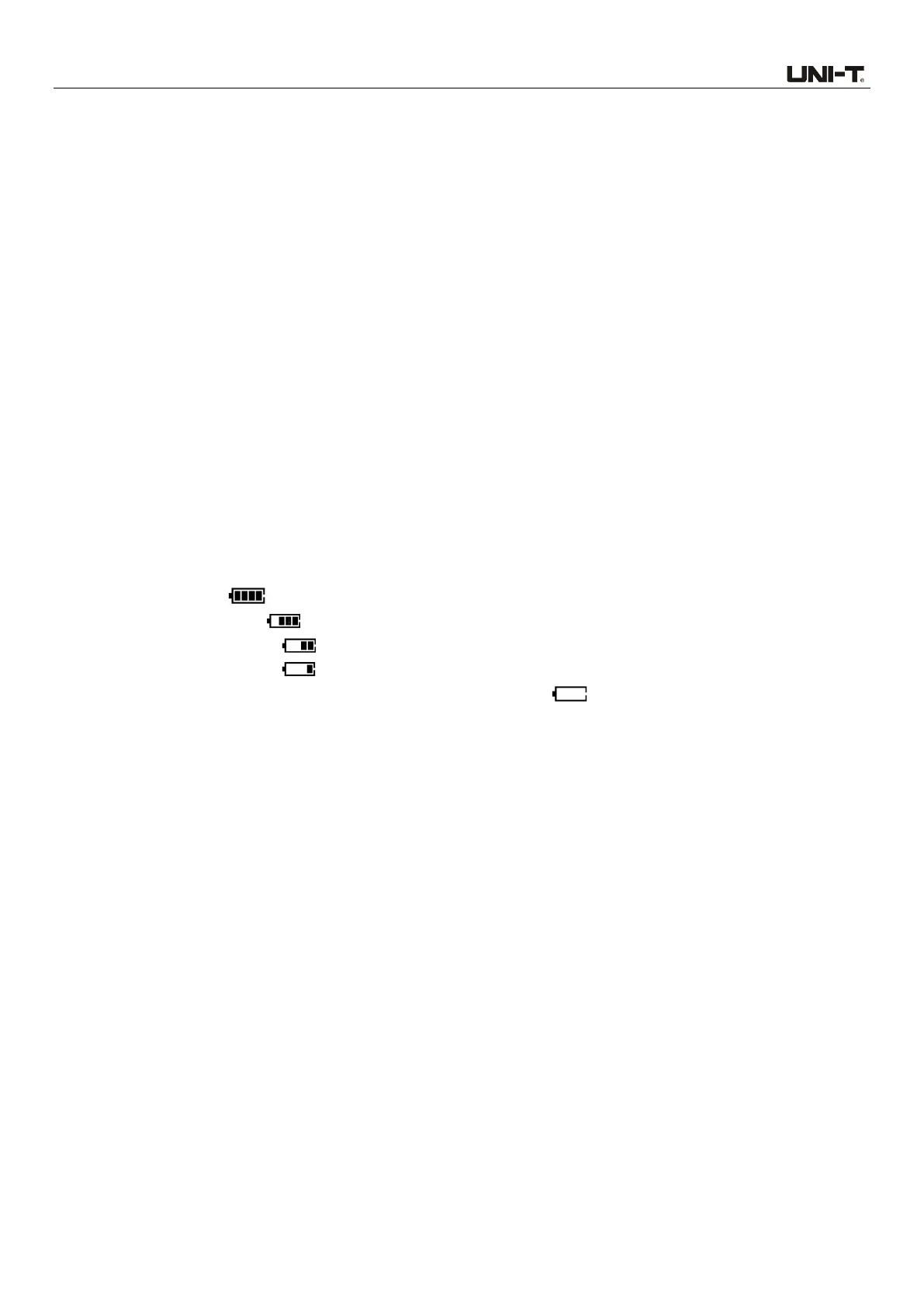
The battery symbol displays different levels of battery power (including 4 levels):
>8V to 9V: Level 4 “ ” is displayed.
>7.2V to ≤8V: Level 3 “ ” is displayed.
>6.6V to ≤7.2V: Level 2 “ ” is displayed.
>6.2V to ≤6.6V: Level 1 “ ” is displayed.
≤6.2V: The batteries run out of power. The symbol “ ” flashes three times (flashing
frequency: 2Hz) and the transmitter powers off. (There is an accuracy error of about 5% with
the voltage of the critical point between levels)
WARNING: Cancer and reproductive harm-See www.P65Warnings.ca.gov for more information



 To Previous Page