28
MESSAGE
8-1-3. READ MESSAGES FROM MESSAGE BOX
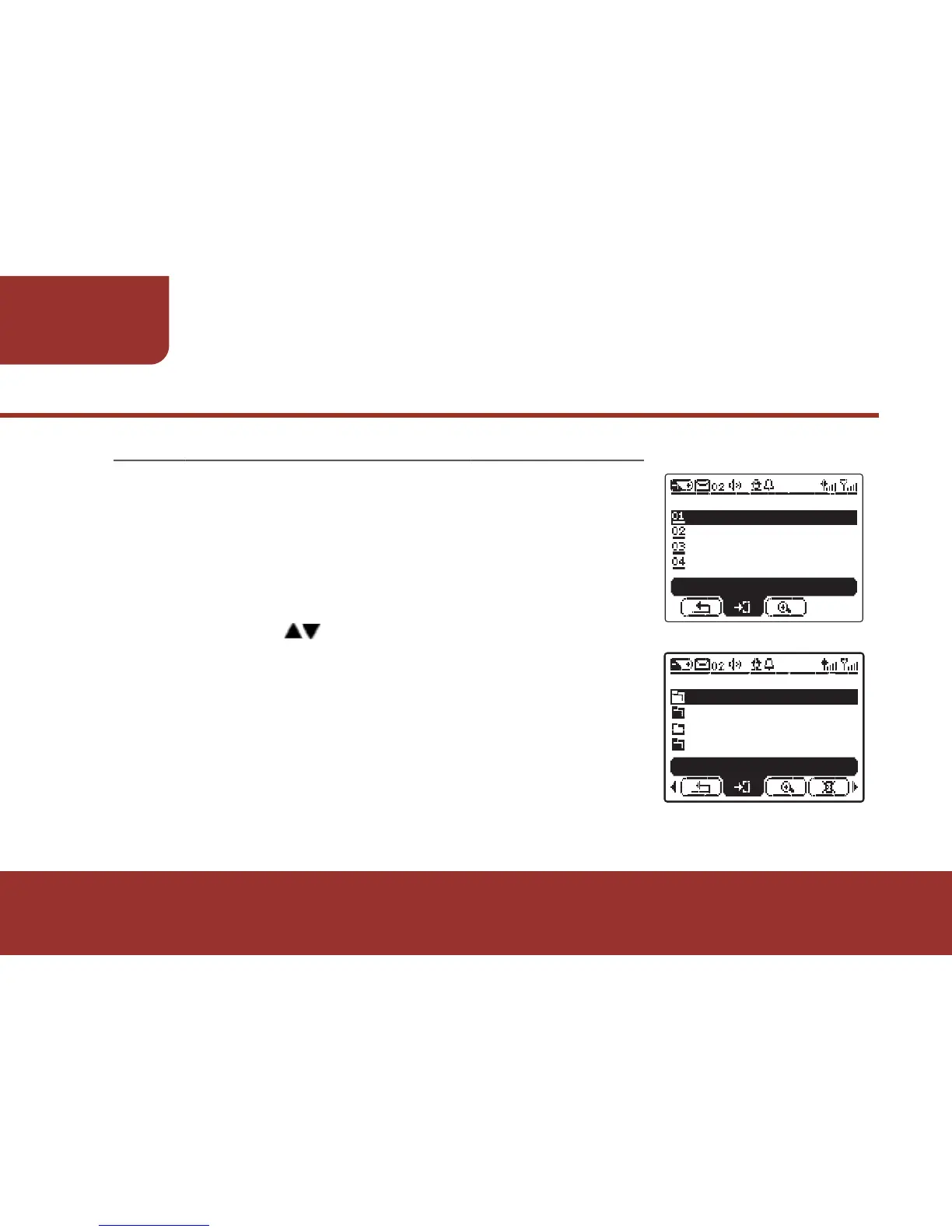
a. Press MENU KEY to display the MAIN MENU
list. The cursor will stay on MESSAGE BOX.
b. Please press OK KEY to enter MESSAGE
BOX. All the programmed folders will display
on the screen.
c. Please press to select the desired folder.
If there are unread messages, an UNREAD
FOLDER will be on the top of the folder list.
Ɂ
ENTER
<02>FOLDER 02
<05>FOLDER 03
FOLDER LIST
<03>FOLDER 01
<02>UNREAD FOLDER
MESSAGE BOX
TODAY
FUNCTION STATUS
SETTINGS
MAIN MENU
ENTER



 To Next Page