29
MESSAGE
Press KEY then OK KEY to select and read the desired
message.
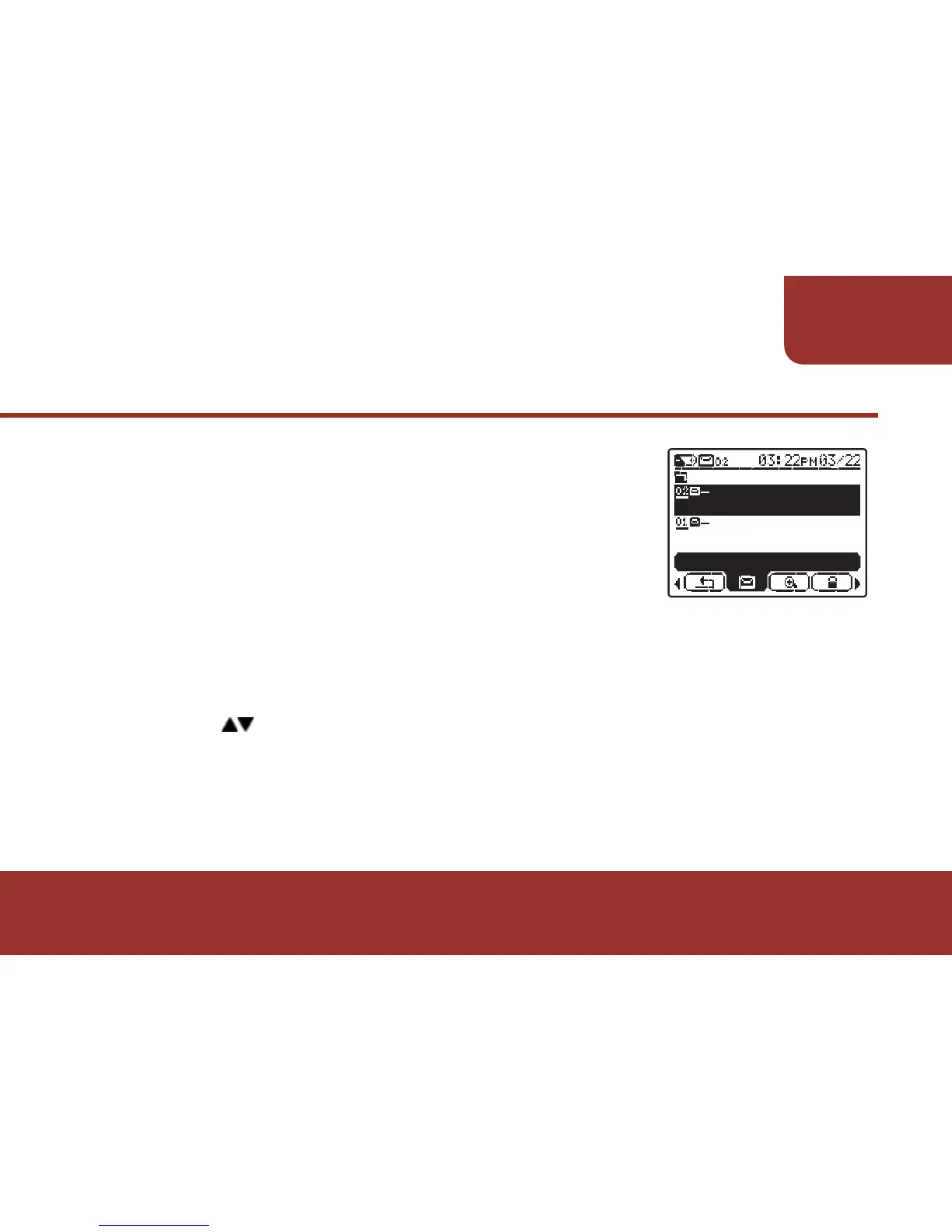
The MESSAGE LIST will display with the
folder name, source name and message preview.
d.
Ɂ
e.
Press OK KEY to enter the selected folder.
All the received messages that are saved
in this folder will be listed in chronological
order.
READ
FOLDER 01/ SOURCE
02 / FIRE ALARM...
FOLDER 02/ SOURCE
01/ 101 BUILDING ...
UNREAD FOLDER



 To Next Page