30
MESSAGE
!
a.
b.
c.
d.
8-1-4. MESSAGE PROTECT
For Message Protection purpose, when Message Protect is
activated in the Pager Programming Software, the read
messages are protected by pre-set password. You need to enter
the password to open the MESSAGE BOX.
Press MENU KEY, the feature list will display,
and the cursor will stay on "MESAGE BOX".
Please press OK KEY to enter MESSAGE
BOX.
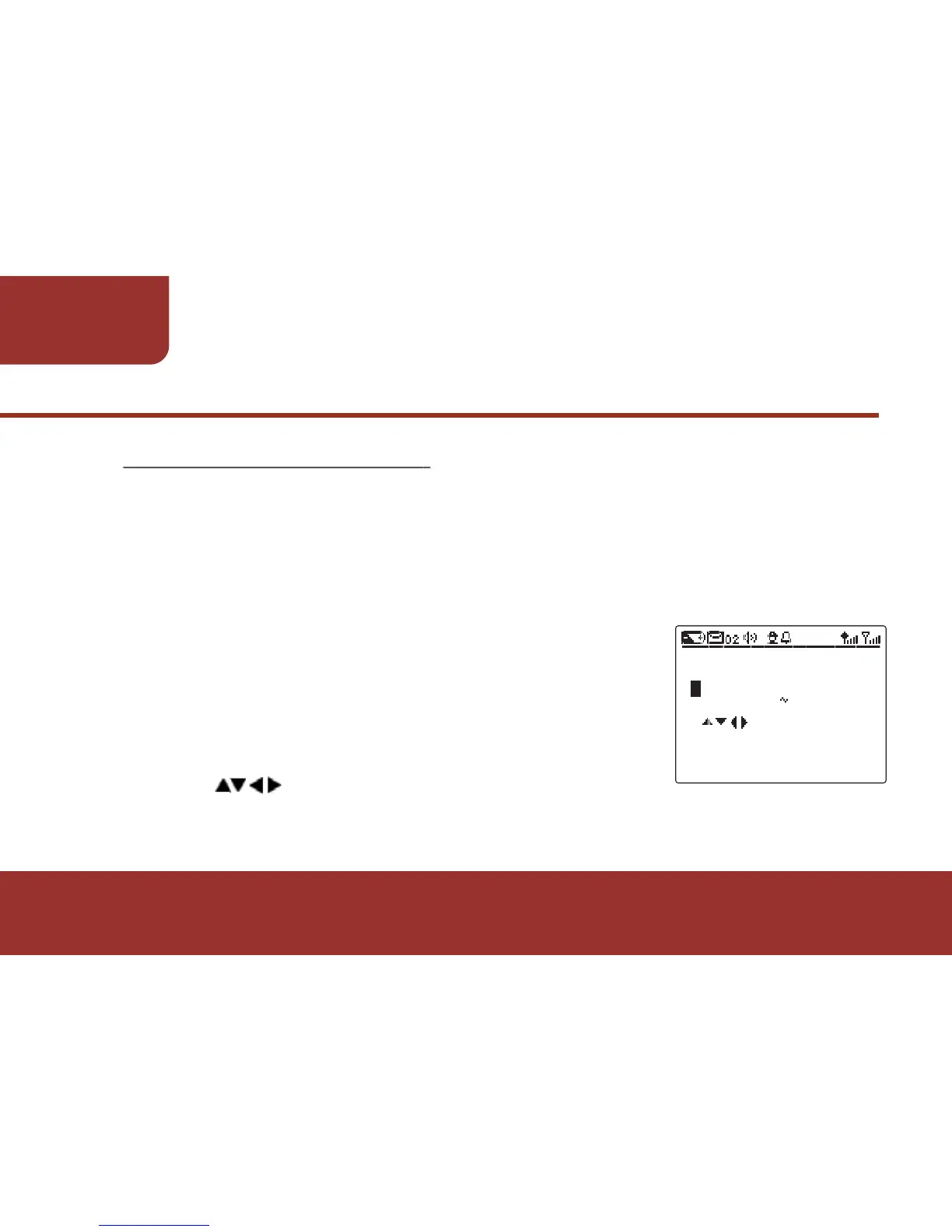
"PASSWORD" screen will display.
Press to enter the password.
KEY FOR INPUT
2 8 DIGITS
ENTER PASSWORD



 To Next Page