39
MESSAGE
After all the settings are completed, press to "SAVE".
Press OK KEY to confirm Alarm settings.
8-3-3-3. SAVE SETTINGS
a.
b.!
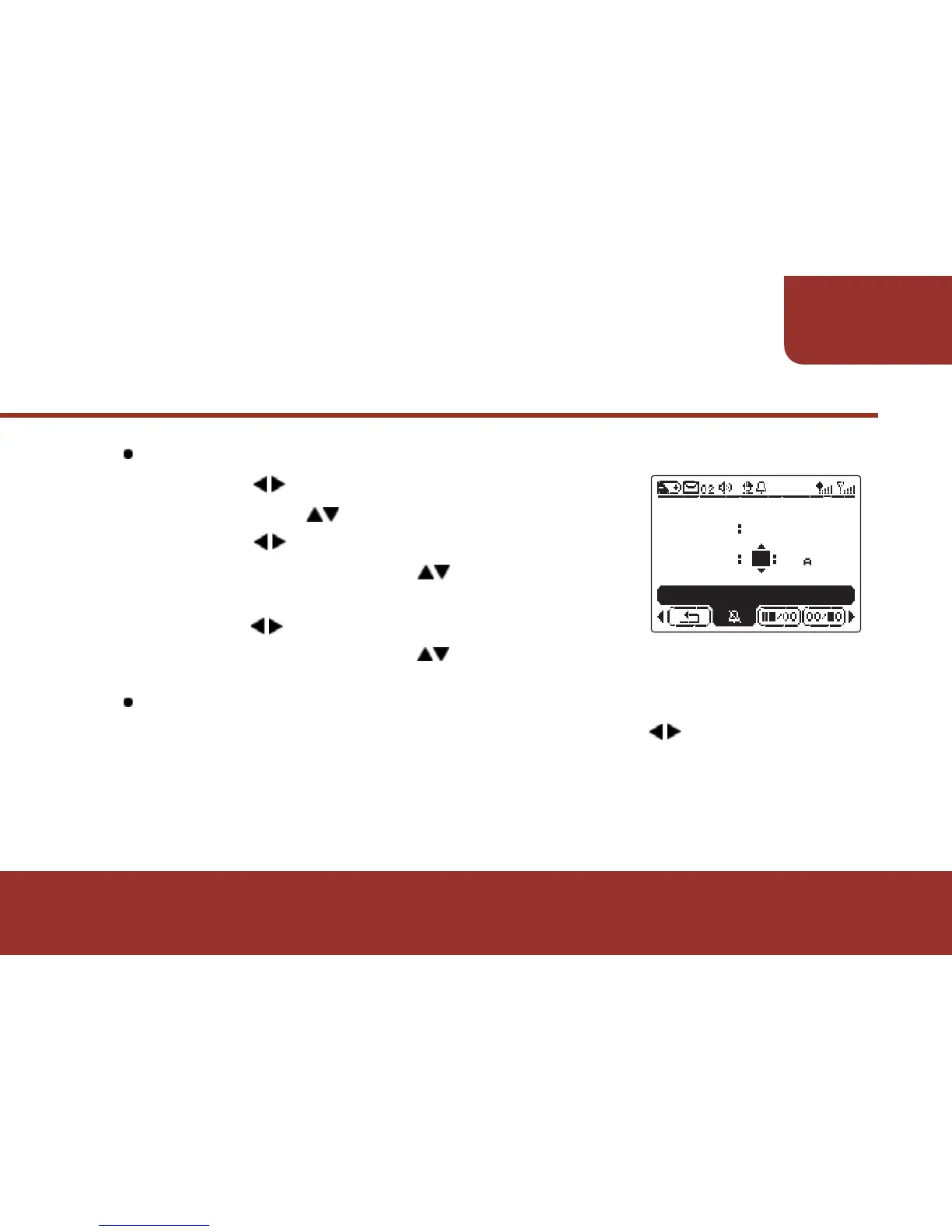
8-3-3-2. ALARM TIME SETTING
a. Press to move the cursor to "HOUR"
then press to switch the figures.
b. Press to move the cursor to " TEN’S
MINUTE" then press to switch the
figures.
c. Press to move the cursor to " UNIT’S
MINUTE" then press to switch the figures.
Ɂ!
After the message alarm setting, this message will not
be able to be deleted till the alarm setting is removed.
ALARM ON/OFF
MESSAGE ALARM
ALARM
TIME 00
ON
11



 To Next Page