After deleting a specific message, the next message will display
on the screen. If there is no more message in the reading folder,
the screen will display FOLDER LIST.
Press to move the cursor to "DELETE
MESSAGE".
Press OK KEY to delete this message.
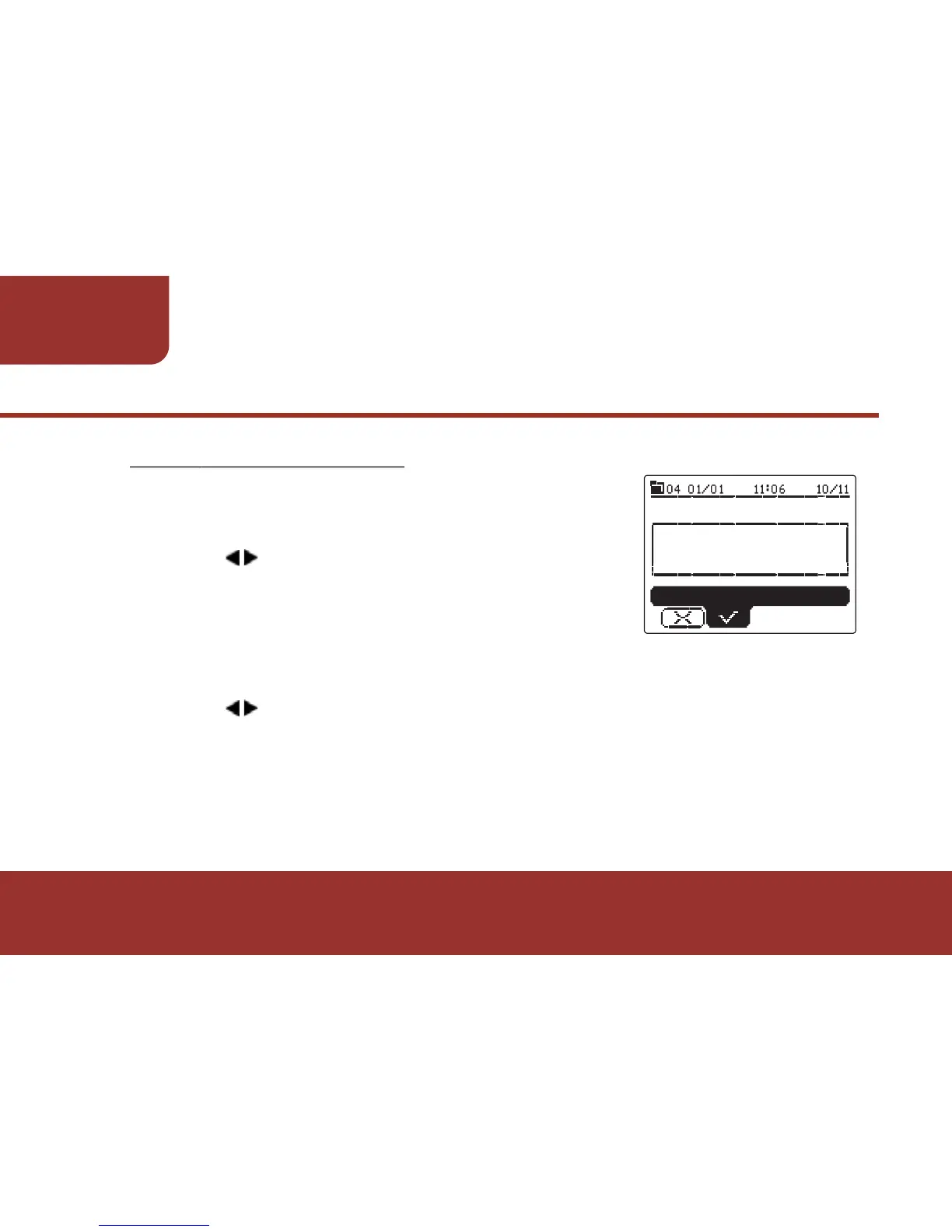
A confirmation window will display on the screen.
Press OK KEY to "YES" to confirm the deletion.
8-3-4. DELETE MESSAGE
While reading a message, you may delete
the message.



 To Next Page