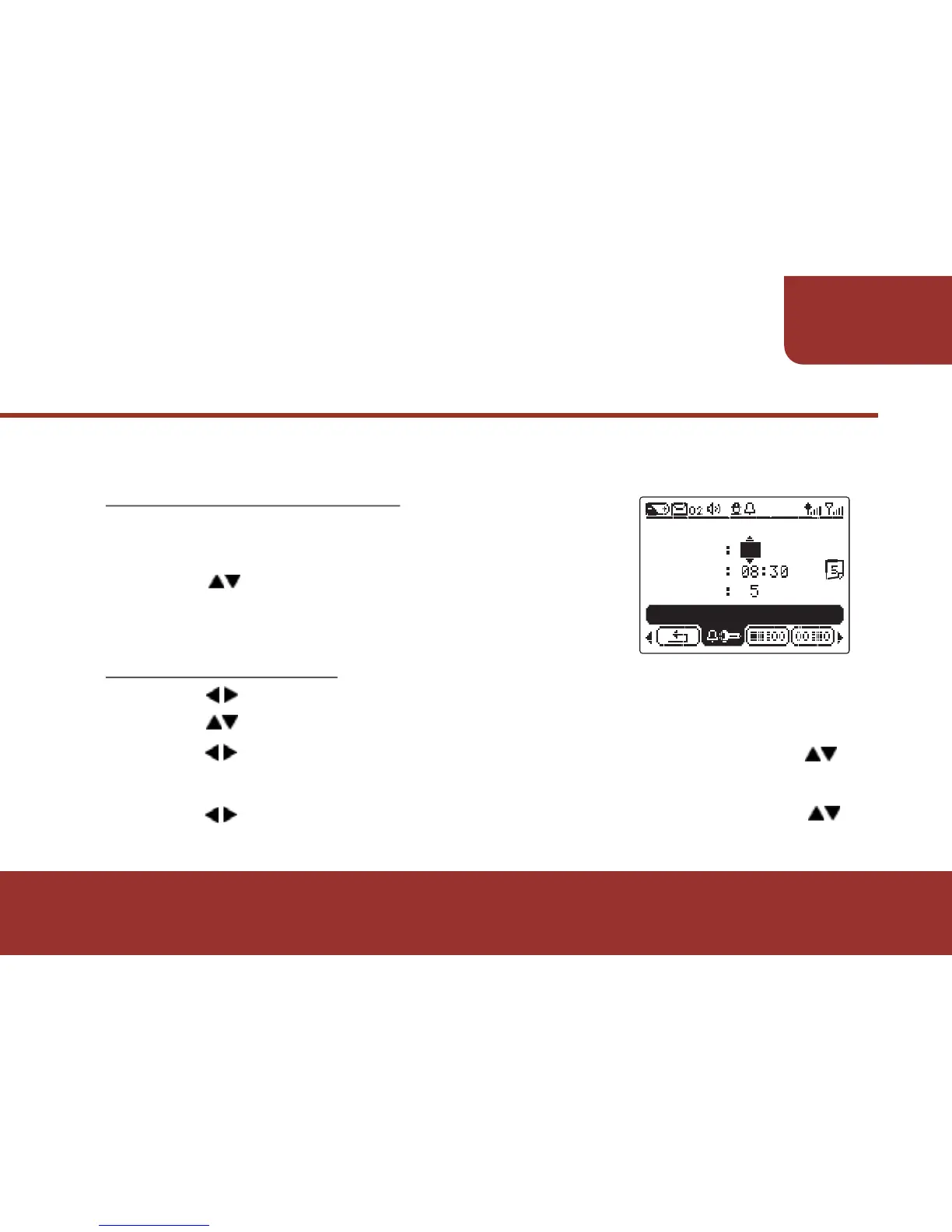
Enter the ALARM setting screen, the cursor
will stay on the "ALARM."
Press to switch the Alarm On or OFF
In ALARM setting screen, there are 4 settings to be set up:
11-3-1. ACTIVATE ALARM
Press to move the cursor to "HOUR SETTING."
Press to adjust the figure.
Press to move the cursor to" TEN’S- MINUTE" then press
Key to adjust the figures.
Press to move the cursor to " UNIT’S MINUTE" then press
Key to adjust the figures.
11-3-2. ALARM TIME
a.
b.
c.
d.
a.
b.



 To Next Page