58
SETTINGS
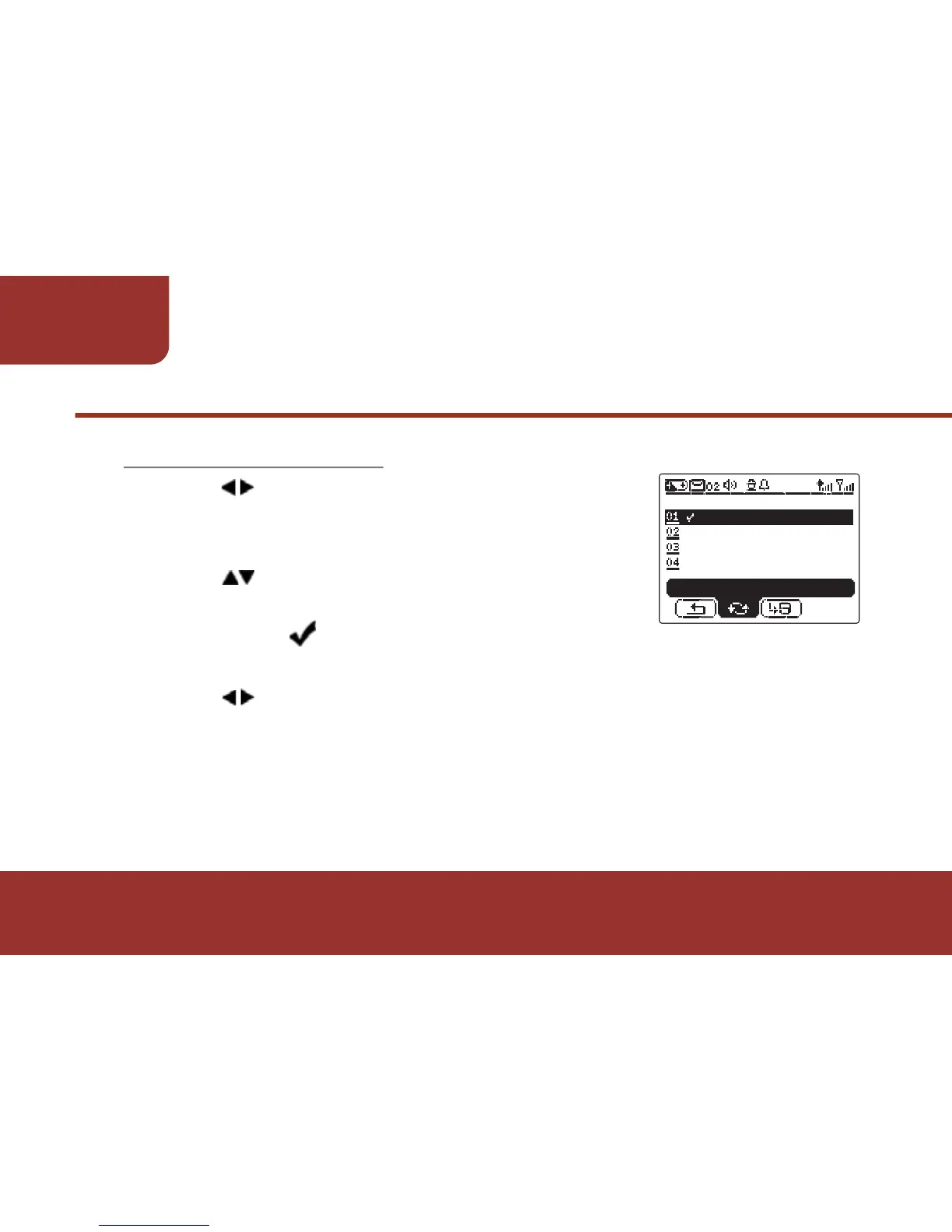
Press KEY to move the cursor to CYCLE
ALARM.
Press OK KEY to enter the cycle setting.
Press to move the cursor to the specific
cycle then press OK KEY to check the
selection. A will label with the selected
option. (Multi - options)
Press KEY to move the cursor to "SAVE" then press OK
KEY to confirm the settings. After saving the settings, the
screen will return to ALARM List.
11-3-3. CYCLE ALARM
a.
b.
c.
d.



 To Next Page