37
9) If connected via network, once TCP/IP is selected, the software will poll your network for available printers. Select
the proper IColor printer. Note that the IP address of the printer is displayed. Be sure to set a static IP address for
your printer so that the IP address does not change later. If this happens, you will have to repeat this step.
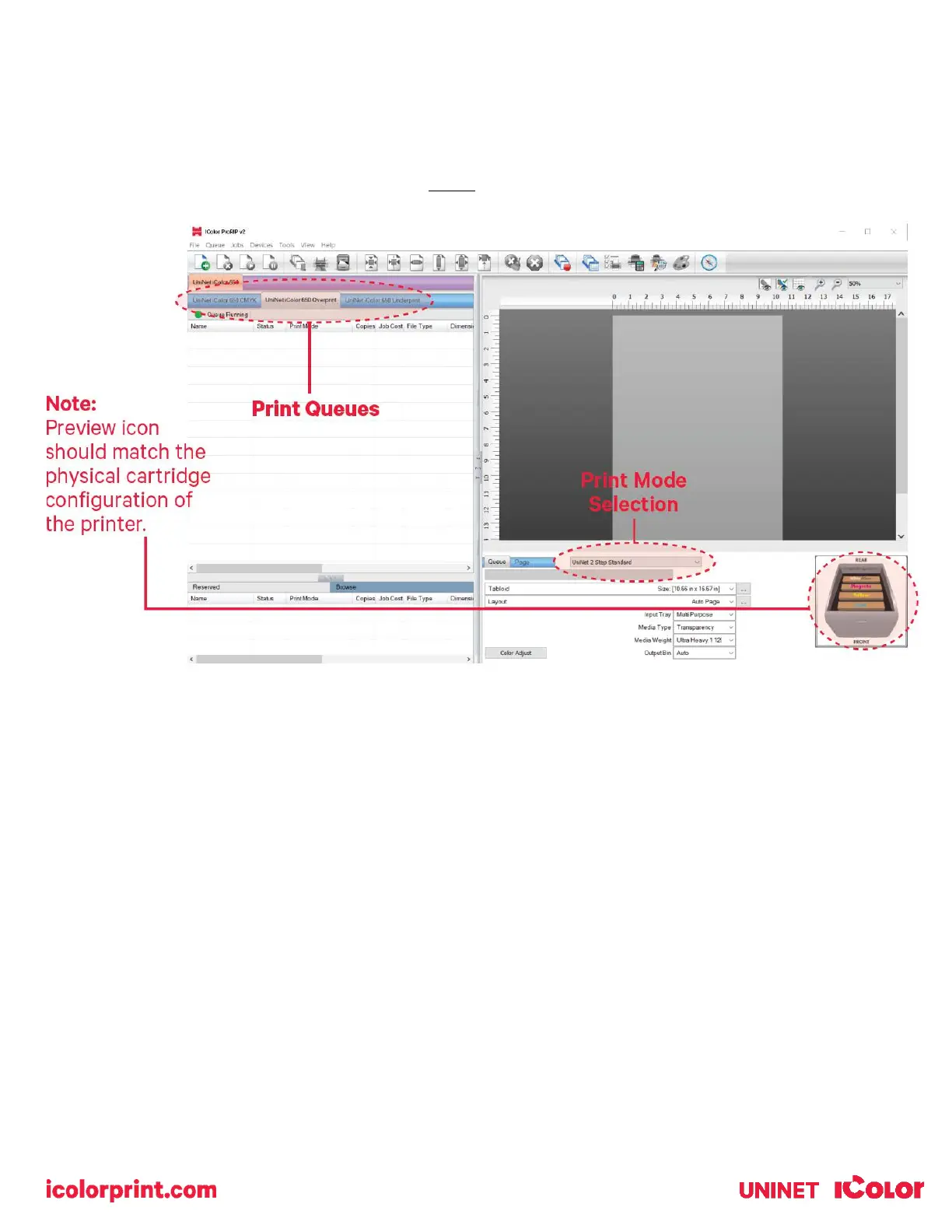
10) In order to print, select the proper Print Queue for your project. Then, select the Print Mode (otherwise known as
media type) and verify the size of that media before importing your graphic.



 To Next Page